Let's panda!

A login, view, download tool for exhentai & e-hentai

θα χρειαστεί να εγκαταστήσετε μια επέκταση όπως το Tampermonkey, το Greasemonkey ή το Violentmonkey για να εγκαταστήσετε αυτόν τον κώδικα.

You will need to install an extension such as Tampermonkey to install this script.

θα χρειαστεί να εγκαταστήσετε μια επέκταση όπως το Tampermonkey ή το Violentmonkey για να εγκαταστήσετε αυτόν τον κώδικα.

θα χρειαστεί να εγκαταστήσετε μια επέκταση όπως το Tampermonkey ή το Userscripts για να εγκαταστήσετε αυτόν τον κώδικα.

You will need to install an extension such as Tampermonkey to install this script.

Θα χρειαστεί να εγκαταστήσετε μια επέκταση διαχείρισης κώδικα χρήστη για να εγκαταστήσετε αυτόν τον κώδικα.

(Έχω ήδη έναν διαχειριστή κώδικα χρήστη, επιτρέψτε μου να τον εγκαταστήσω!)

You will need to install an extension such as Stylus to install this style.

You will need to install an extension such as Stylus to install this style.

You will need to install an extension such as Stylus to install this style.

You will need to install a user style manager extension to install this style.

You will need to install a user style manager extension to install this style.

You will need to install a user style manager extension to install this style.

(Έχω ήδη έναν διαχειριστή στυλ χρήστη, επιτρέψτε μου να τον εγκαταστήσω!)

Δημιουργός
MINO
Ημερήσιες εγκαταστάσεις
15
Σύνολο εγκαταστάσεων
35.671
Βαθμολογίες
69 4 1
Έκδοση
0.2.28
Δημιουργήθηκε την
10/10/2017
Ενημερώθηκε την
30/09/2025
Μέγεθος
40 KB
Άδεια
MIT
Εφαρμόζεται σε

Let's panda!

A Greasy Fork user script for exhentai
Required Environment

Features

Login

1

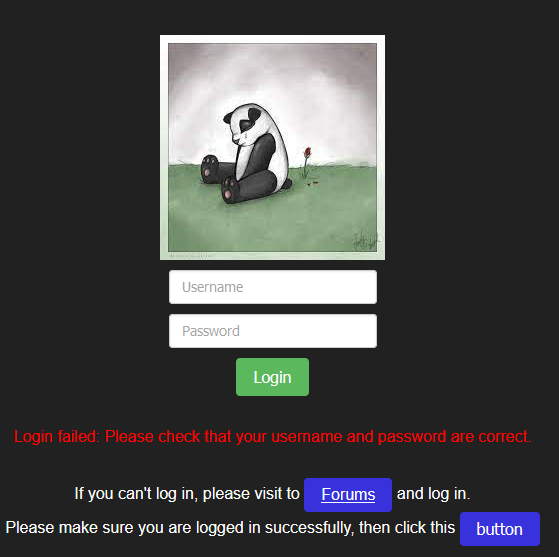
If that show Login succeeded, and you cannot access exhentai,
First, don't use the private browsing then try again,
if it still doesn't work, it could be that your account doesn't have access to exhentai,
but you still can use other features in e-hentai.
Download & Viewer

2

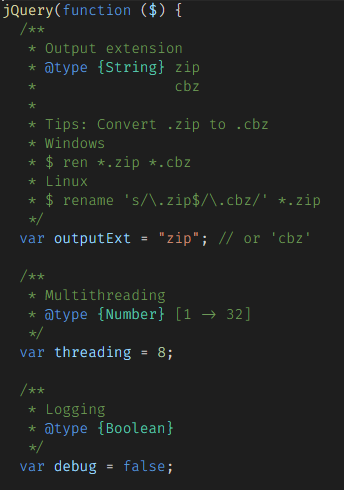
Some script configurations

3

Usage

Login

  • Input your exhentai account and password.
  • If you cannot log in, please follow the instructions.
    1

Download

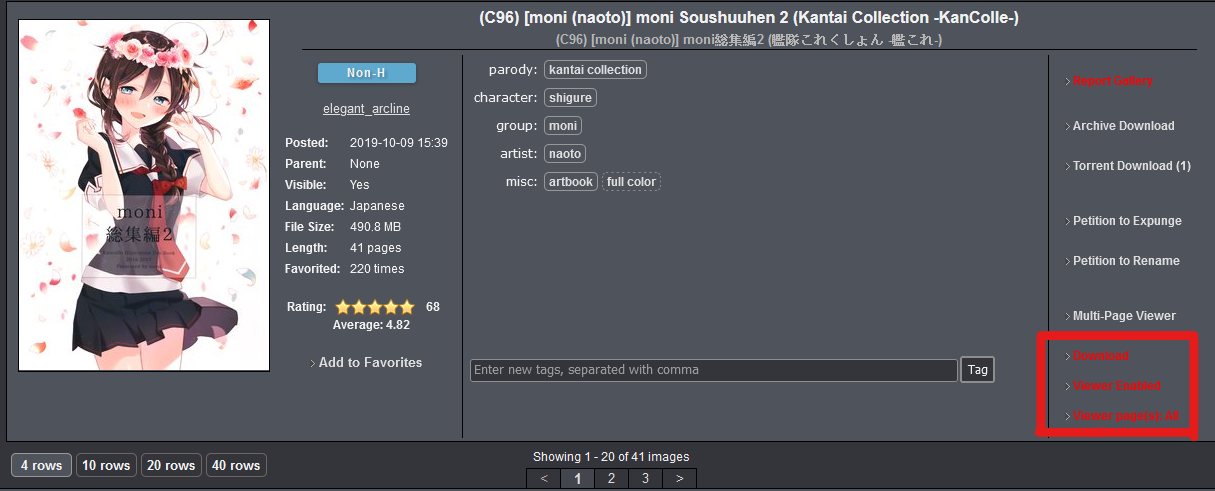
  • Just click "Download" text
    7

Viewer

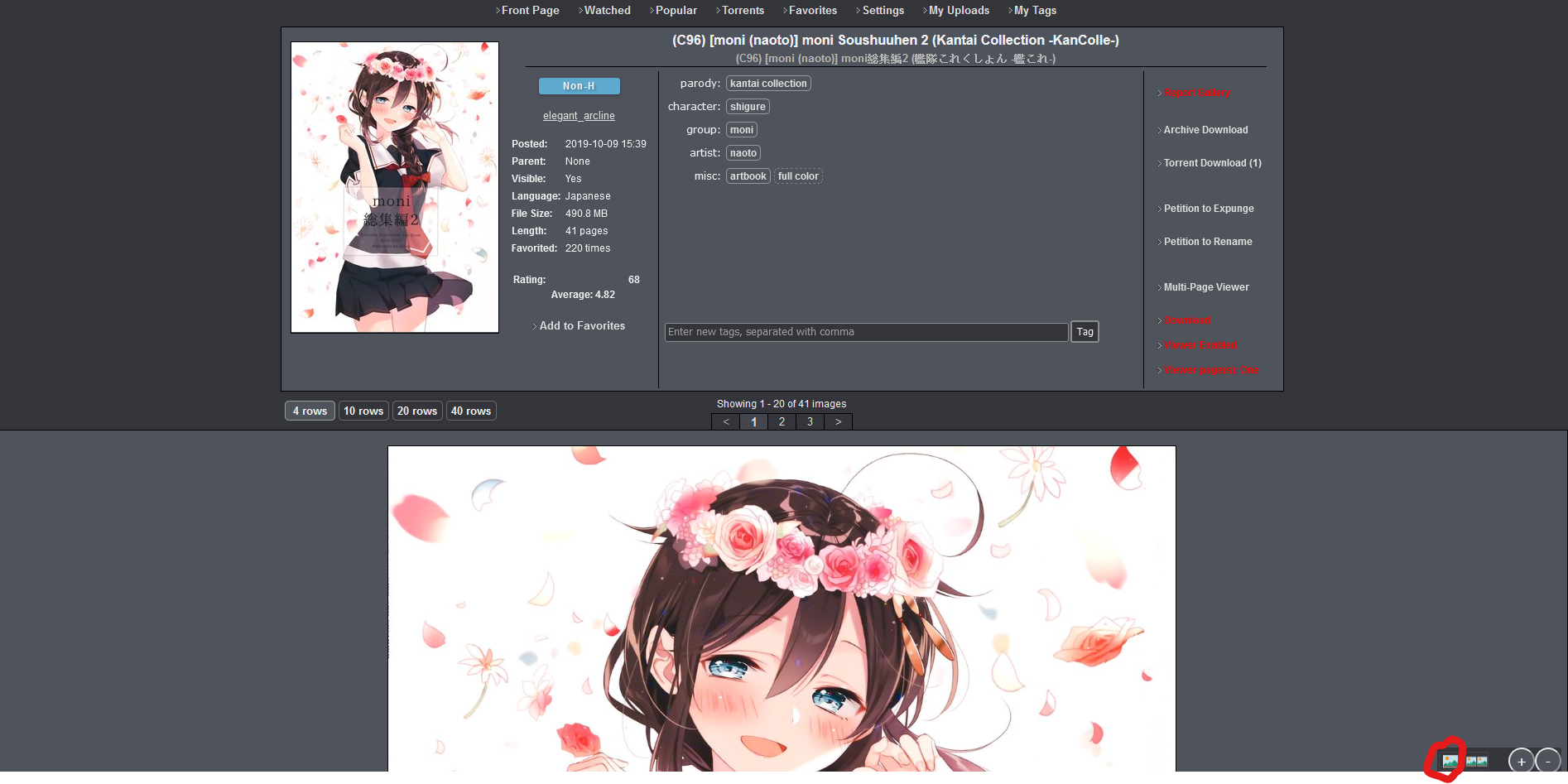
  1. First enable Viewer
    7

    • Viewer page(s): All
      • Load images for all pages
      • e.g. Showing 1 - 20 of 41 images it will load 1 - 41 images in current page
    • Viewer page(s): One
      • Load images for current page
      • e.g. Showing 1 - 20 of 41 images it will load 1 - 20 images in current page
  2. Viewer mode

    • Single mode
      • 4
    • Double mode
      • 5
    • When you are in double mode, click the double mode button once more and it will reverse image like this.
      • 6

Install the Script

License

The MIT License

If you have any issues please issue on GitHub.

Feedback also works but I won't check every day.