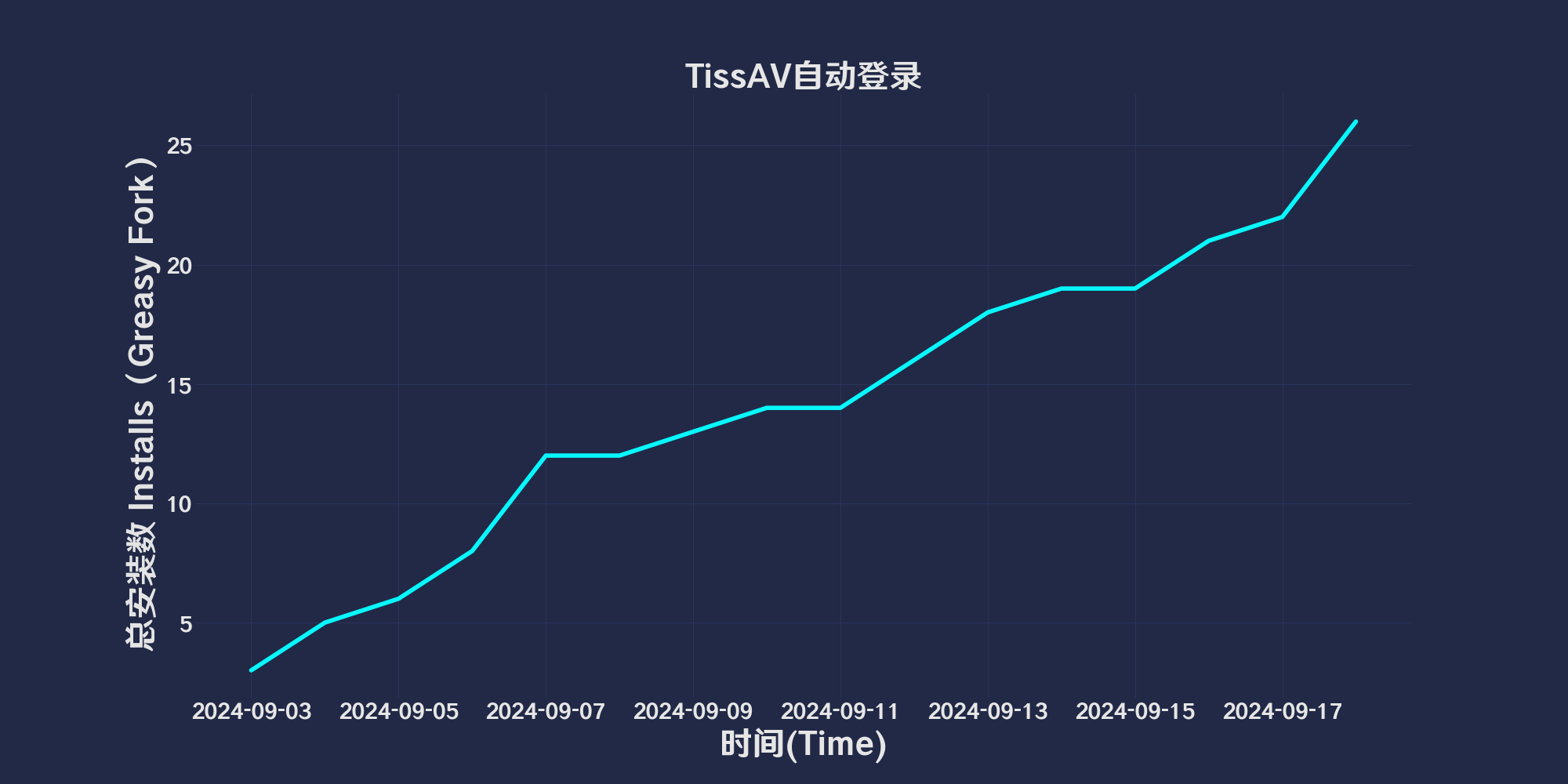
ThisAV Aŭtomata ensaluto

Detekto ThisAV stato,kaj aŭtomate ensalutu kiam ne ensalutinta

Ekde 2024/09/16. Vidu La ĝisdata versio.

You will need to install an extension such as Tampermonkey, Greasemonkey or Violentmonkey to install this script.

You will need to install an extension such as Tampermonkey to install this script.

You will need to install an extension such as Tampermonkey or Violentmonkey to install this script.

You will need to install an extension such as Tampermonkey or Userscripts to install this script.

You will need to install an extension such as Tampermonkey to install this script.

You will need to install a user script manager extension to install this script.

(I already have a user script manager, let me install it!)

You will need to install an extension such as Stylus to install this style.

You will need to install an extension such as Stylus to install this style.

You will need to install an extension such as Stylus to install this style.

You will need to install a user style manager extension to install this style.

You will need to install a user style manager extension to install this style.

You will need to install a user style manager extension to install this style.

(I already have a user style manager, let me install it!)

Aŭtoro
人民的勤务员
Ratings
0 0 0
Versio
1.0.1.7
Kreita
2024/09/03
Ĝisdatigita
2024/09/16
Size
114 kb
Licenco
MIT
Aplikiĝas al

TissAVAutomatic login

「 Detection TissAV state,and automatically log in when not logged in 」

Views

Download:Github | ⭐Greasy Fork

Update record

initial version,Welcome

ThisAV AutoLogin Helper

This script is used for managing user accounts on ThisAV. It provides functionalities for automatic login and checking if the user is already logged in.

Features

  • Account Setup: Allows users to set their email and password via a popup modal.
  • Login Functionality: Logs in using the provided email and password, and handles login errors.
  • User Detection: Checks if the user is logged in. If not, it attempts to log in automatically.

Installation and Usage

  1. Install the Script:

    • Copy the script into the Greasemonkey or Tampermonkey extension.
    • Ensure the script is enabled on the webpage where you want it to run.
  2. Set Up Account:

    • Click on the Greasemonkey/Tampermonkey icon in your browser toolbar.
    • Select the “Set Account” option, enter your email and password, and then click “Save”.
  3. Automatic Login:

    • The script will automatically check if the user is logged in. If it detects that the user is not logged in, it will attempt to log in using the provided account information.

you may be looking for⬇️adult script

Help

Recommended browsers and script managers:

  • Greasemonkey + Waterfox
  • Tampermonkey/Violentmonkey + Firefox
  • Tampermonkey/Violentmonkey + Chrome
  • Userscripts + ios Safari
  • Violentmonkey/KiWiBrowser + Android

More user scripts / back to top↑