Safari Embedded WebM Support

Lets Safari play embedded WebM videos on supported imageboards: 4chan, 8chan, Gelbooru and Danbooru.

Mint 2018.10.06.. Lásd a legutóbbi verzió

You will need to install an extension such as Tampermonkey, Greasemonkey or Violentmonkey to install this script.

You will need to install an extension such as Tampermonkey to install this script.

You will need to install an extension such as Tampermonkey or Violentmonkey to install this script.

You will need to install an extension such as Tampermonkey or Userscripts to install this script.

You will need to install an extension such as Tampermonkey to install this script.

You will need to install a user script manager extension to install this script.

(I already have a user script manager, let me install it!)

You will need to install an extension such as Stylus to install this style.

You will need to install an extension such as Stylus to install this style.

You will need to install an extension such as Stylus to install this style.

You will need to install a user style manager extension to install this style.

You will need to install a user style manager extension to install this style.

You will need to install a user style manager extension to install this style.

(I already have a user style manager, let me install it!)
Fejlesztő
Calum
Értékelések
0 0 0
Verzió
1.2
Létrehozva
2018.09.09.
Frissítve
2018.10.06.
Size
3 KB
Licensz
Ismeretlen
Érvényes

Safari Embedded WebM Support

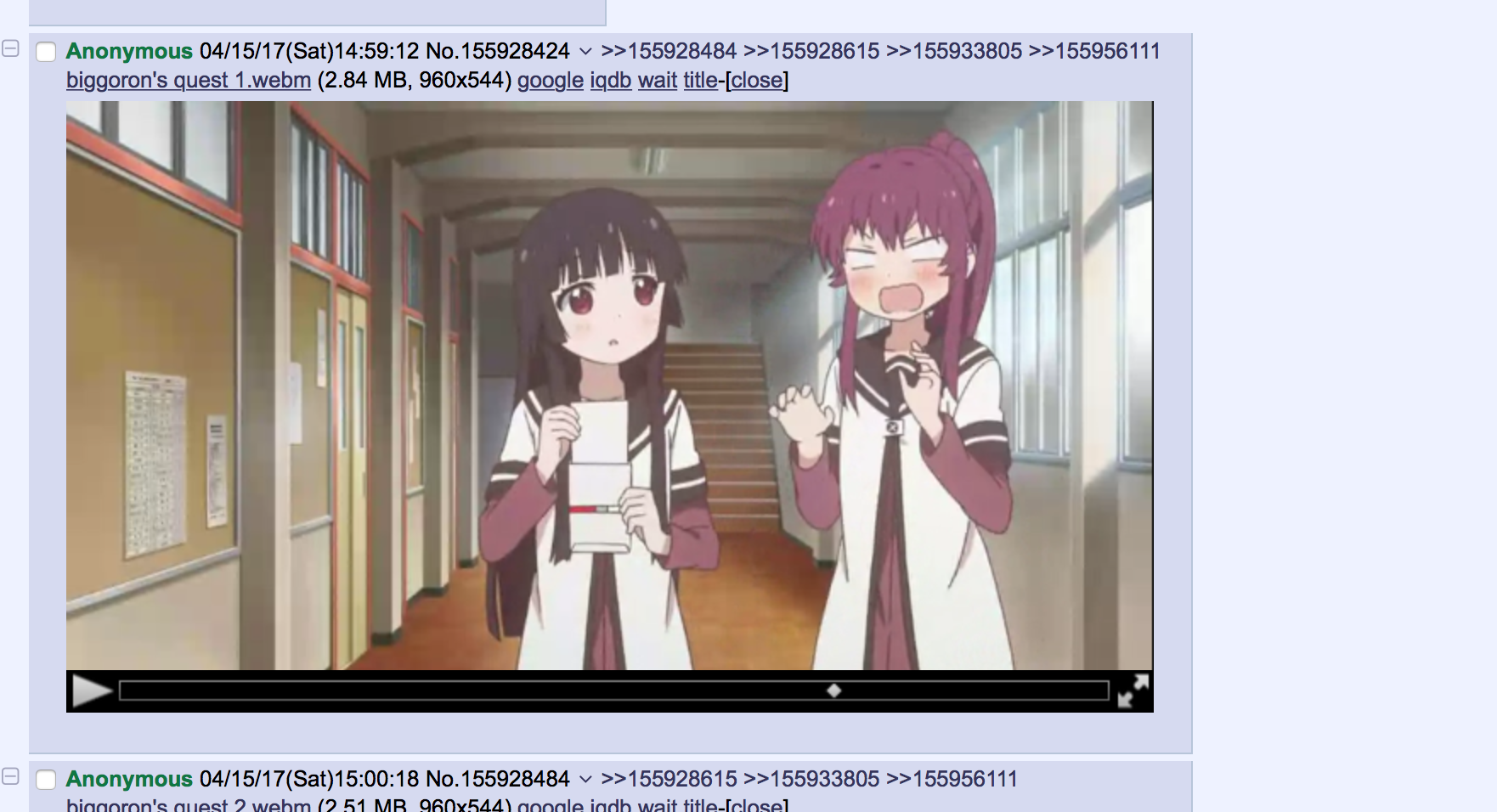
Screenshot

Lets Safari play embedded WebM videos on supported imageboards: 4chan, 8chan, Gelbooru and Danbooru.

Setup

  1. Install VLC-webplugin-2.2.8.
  2. Install Tampermonkey.
  3. Click here to install this script.