VNDB LIST Cover on table Preview

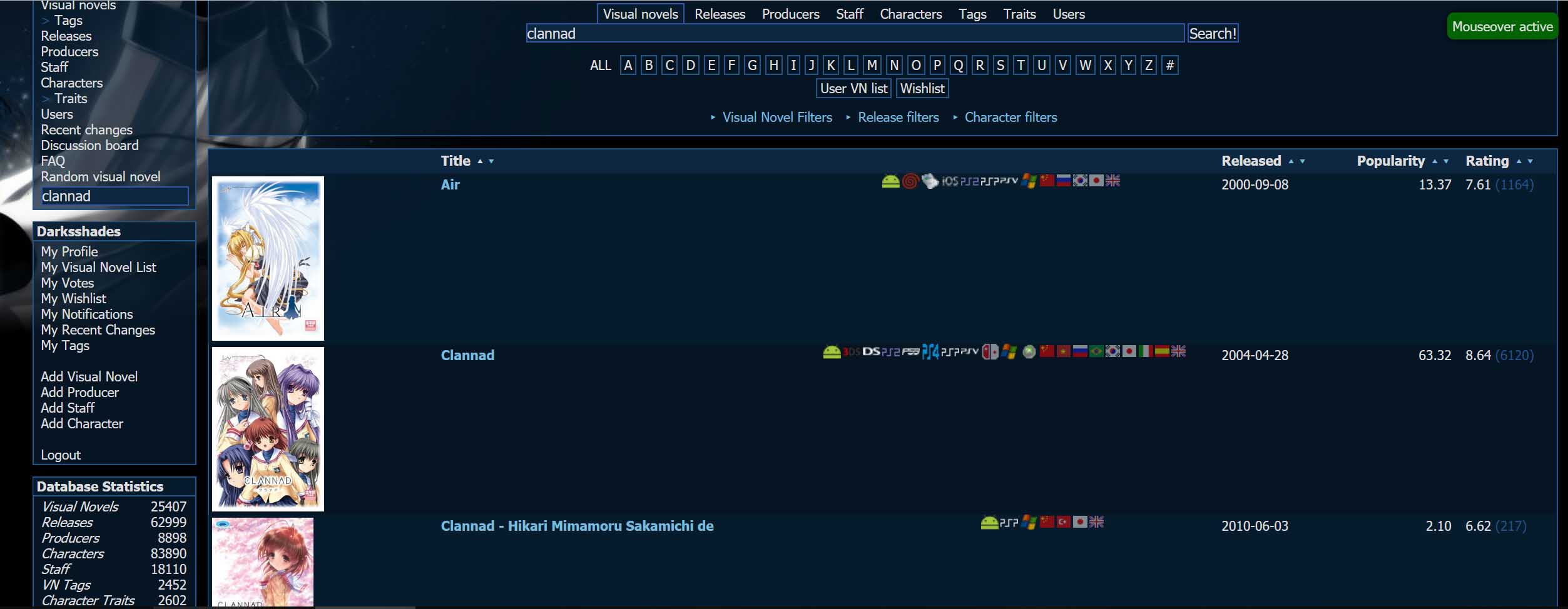
Previews covers in vndb.org searches when hovering over the respective hyperlinks. Puts images on the table and zooms when mouseover the image.

Dovrai installare un'estensione come Tampermonkey, Greasemonkey o Violentmonkey per installare questo script.

You will need to install an extension such as Tampermonkey to install this script.

Dovrai installare un'estensione come Tampermonkey o Violentmonkey per installare questo script.

Dovrai installare un'estensione come Tampermonkey o Userscripts per installare questo script.

Dovrai installare un'estensione come ad esempio Tampermonkey per installare questo script.

Dovrai installare un gestore di script utente per installare questo script.

(Ho già un gestore di script utente, lasciamelo installare!)

Dovrai installare un'estensione come ad esempio Stylus per installare questo stile.

Dovrai installare un'estensione come ad esempio Stylus per installare questo stile.

Dovrai installare un'estensione come ad esempio Stylus per installare questo stile.

Dovrai installare un'estensione per la gestione degli stili utente per installare questo stile.

Dovrai installare un'estensione per la gestione degli stili utente per installare questo stile.

Dovrai installare un'estensione per la gestione degli stili utente per installare questo stile.

(Ho già un gestore di stile utente, lasciamelo installare!)

Autore
Gustjc
Installazioni giornaliere
0
Installazioni totali
194
Valutazione
0 0 0
Versione
1.0.11
Creato il
12/09/2019
Aggiornato il
06/08/2021
Dimensione
11,1 KB
Licenza
http://creativecommons.org/licenses/by-nc-sa/4.0/
Applica a

This script is partially based on "VNDB Cover Preview" but instead of showing a popup image it puts the cover image of the novel besides the entry name for easier view of multiple games at the same time.

The images will load and be put on the table only when you mouse over the titles.
The default image size is a maximum of 150px height but mouseover the image will show a popup with its original size.

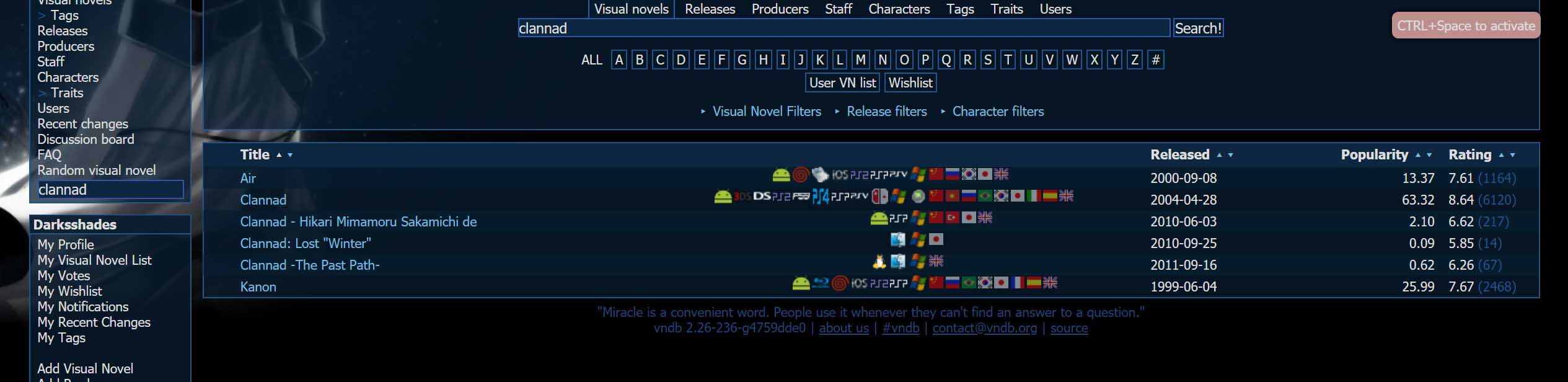
To avoid the need to enable/disable the script with tampermonkey it loads the page by default without the features and you can press CTRL+Space to enable it. There is an indicator on the top-right of the page to show the status.


Ctrl + Space to enable/disable the feature