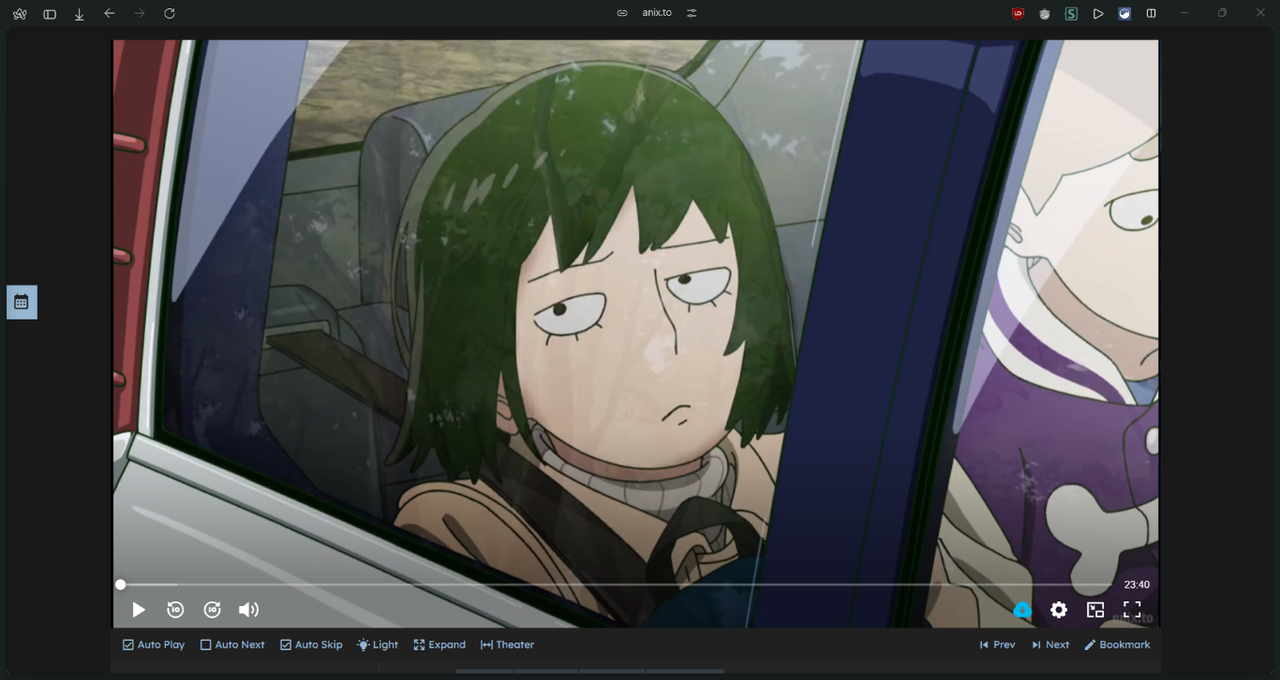
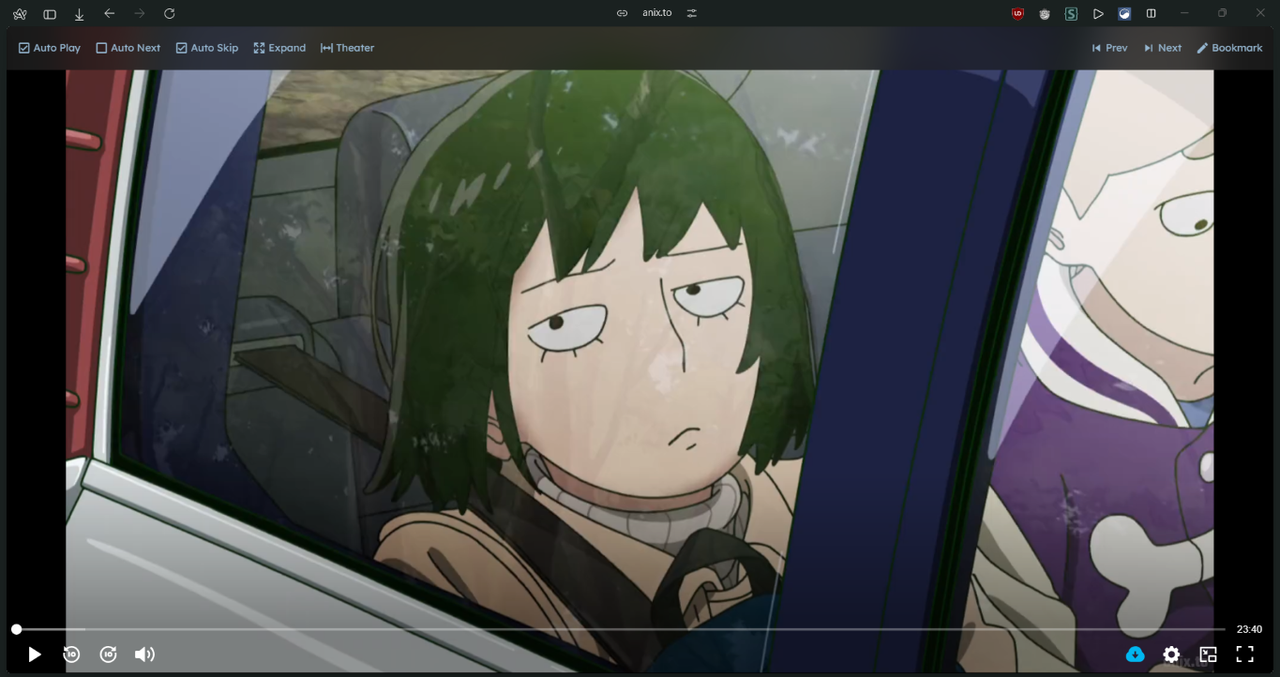
Anix.to windowed fullscreen and theater mode

Add buttons for windowed fullscreen and theater mode

スクリプトをインストールするには、Tampermonkey, GreasemonkeyViolentmonkey のような拡張機能のインストールが必要です。

You will need to install an extension such as Tampermonkey to install this script.

スクリプトをインストールするには、TampermonkeyViolentmonkey のような拡張機能のインストールが必要です。

スクリプトをインストールするには、TampermonkeyUserscripts のような拡張機能のインストールが必要です。

このスクリプトをインストールするには、Tampermonkeyなどの拡張機能をインストールする必要があります。

このスクリプトをインストールするには、ユーザースクリプト管理ツールの拡張機能をインストールする必要があります。

(ユーザースクリプト管理ツールは設定済みなのでインストール!)

このスタイルをインストールするには、Stylusなどの拡張機能をインストールする必要があります。

このスタイルをインストールするには、Stylus などの拡張機能をインストールする必要があります。

このスタイルをインストールするには、Stylus tなどの拡張機能をインストールする必要があります。

このスタイルをインストールするには、ユーザースタイル管理用の拡張機能をインストールする必要があります。

このスタイルをインストールするには、ユーザースタイル管理用の拡張機能をインストールする必要があります。

このスタイルをインストールするには、ユーザースタイル管理用の拡張機能をインストールする必要があります。

(ユーザースタイル管理ツールは設定済みなのでインストール!)
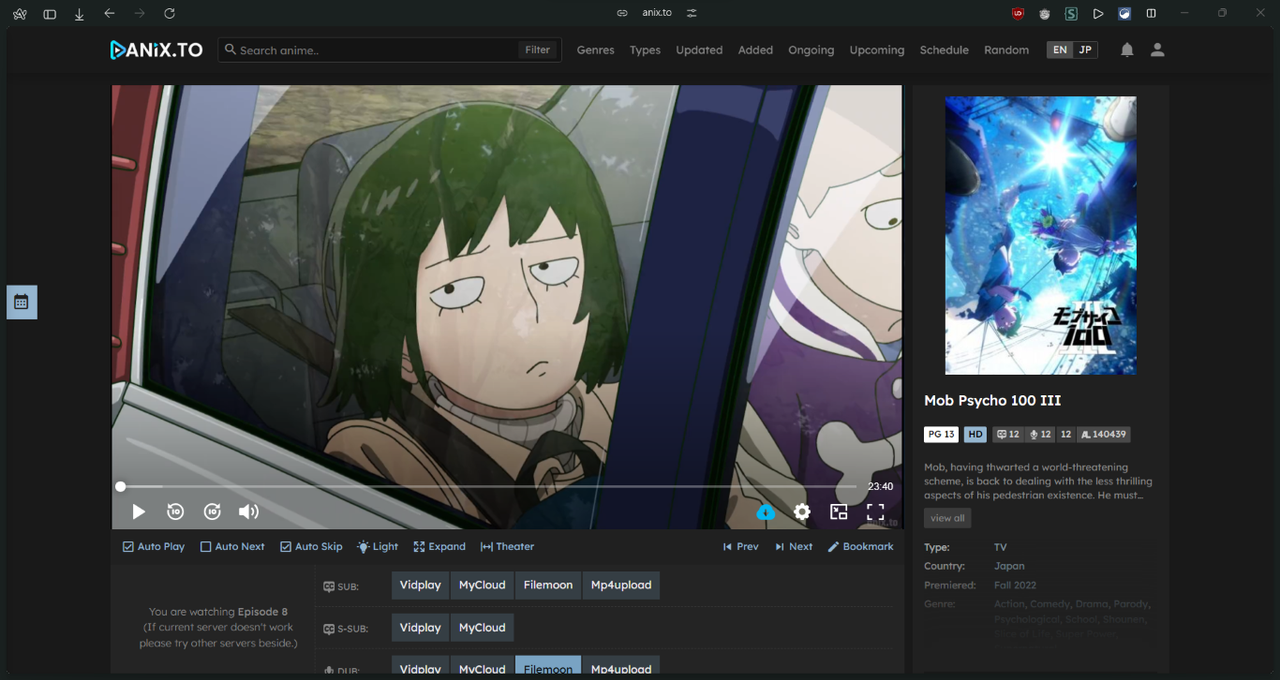
このスクリプトの質問や評価の投稿はこちら通報はこちらへお寄せください
作者
irslda
1日のインストール数
0
累計インストール数
19
評価
1 0 0
バージョン
2.5.5
作成日
2024/04/21
更新日
2024/08/15
大きさ
4.22KB
ライセンス
MIT
対象サイト

Make the video fill the browser window without going to full-screen mode.

Supports theater mode.

  • Add buttons in Anix Control List to toggle windowed and theater mode on/off
  • Shortcut for Expand mode '`' (backtick) and Left-Alt key.
  • Shortcut for Theater mode is 'T' key
  • Shortcut key does not work if you clicked the video as it is inside an iframe.
  • When in "expand mode" Anix Control List is shown on mouse hover.

Known issue:

  • When using Vidplay server the video gets stretched in expand mode. If you experience this just enter and exit the actual full-screen mode to fix this issue.

Preview 1 Preview 2 Preview 2