☰

Imaglr - Widescreen Improvements

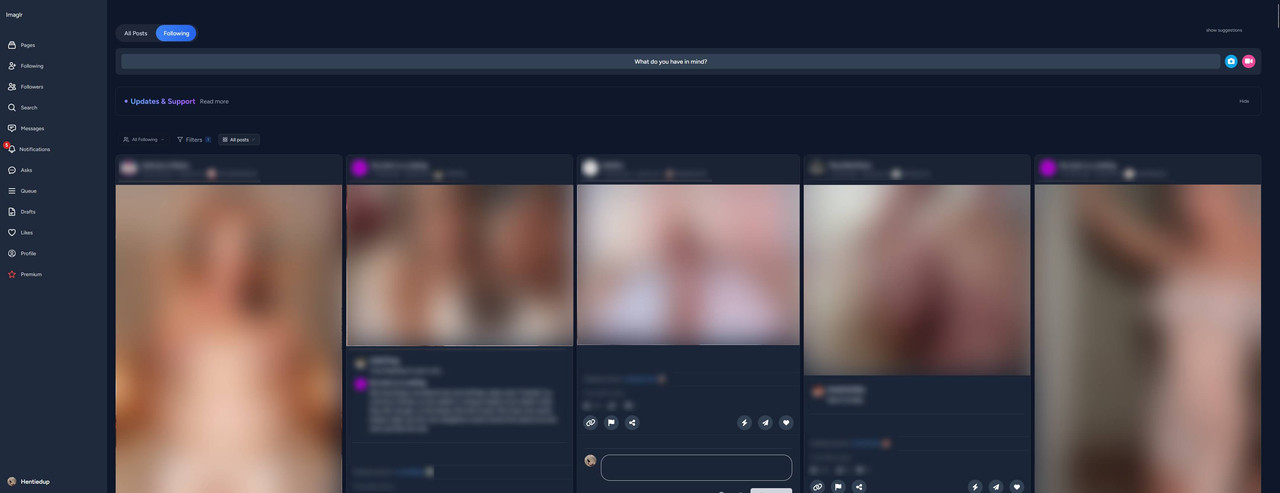
Makes the main post container on Imaglr full width, optionally displaying multiple posts per row. Adjust post size and Home page display style.
You will need to install an extension such as Tampermonkey, Greasemonkey or Violentmonkey to install this script.

You will need to install an extension such as Tampermonkey or Violentmonkey to install this script.

You will need to install an extension such as Tampermonkey or Violentmonkey to install this script.

You will need to install an extension such as Tampermonkey or Userscripts to install this script.

You will need to install an extension such as Tampermonkey to install this script.

You will need to install a user script manager extension to install this script.

(I already have a user script manager, let me install it!)

You will need to install an extension such as Stylus to install this style.

You will need to install an extension such as Stylus to install this style.

You will need to install an extension such as Stylus to install this style.

You will need to install a user style manager extension to install this style.

You will need to install a user style manager extension to install this style.

You will need to install a user style manager extension to install this style.

(I already have a user style manager, let me install it!)

ავტორი
Hentiedup
დღიური ინსტალაციები
0
მთლიანი ინსტალაციები
7
რეიტინგი
0 0 0
ვერსია
3.0.0
შექმნილია
17.04.2026
განახლებულია
25.10.2026
Size
1,75 KB
ლიცენზია
Unlicense
გამოყენებს მათ

Imaglr - Widescreen Improvements

Makes the main post container on Imaglr full width, optionally displaying multiple posts per row. Also lets you adjust post size and home page display style. (Affects Home page only currently)

Note that (at least for now) home page style "Masonry" loads in posts in a weird messy order. If you want to use Masonry, I recommend using pagination.

Screenshot ^Example screenshot on an ultrawide monitor^


You need Stylus to be able to install userstyles.


Settings

Settings found in Stylus menu by clicking the cog icon next to the style.

  • Post Container Width: Sets the width of the main container that houses all the posts.
  • Single Post Width: Sets the desired post width.
  • Home Page Mode: Lets you choose the view mode for the home page.