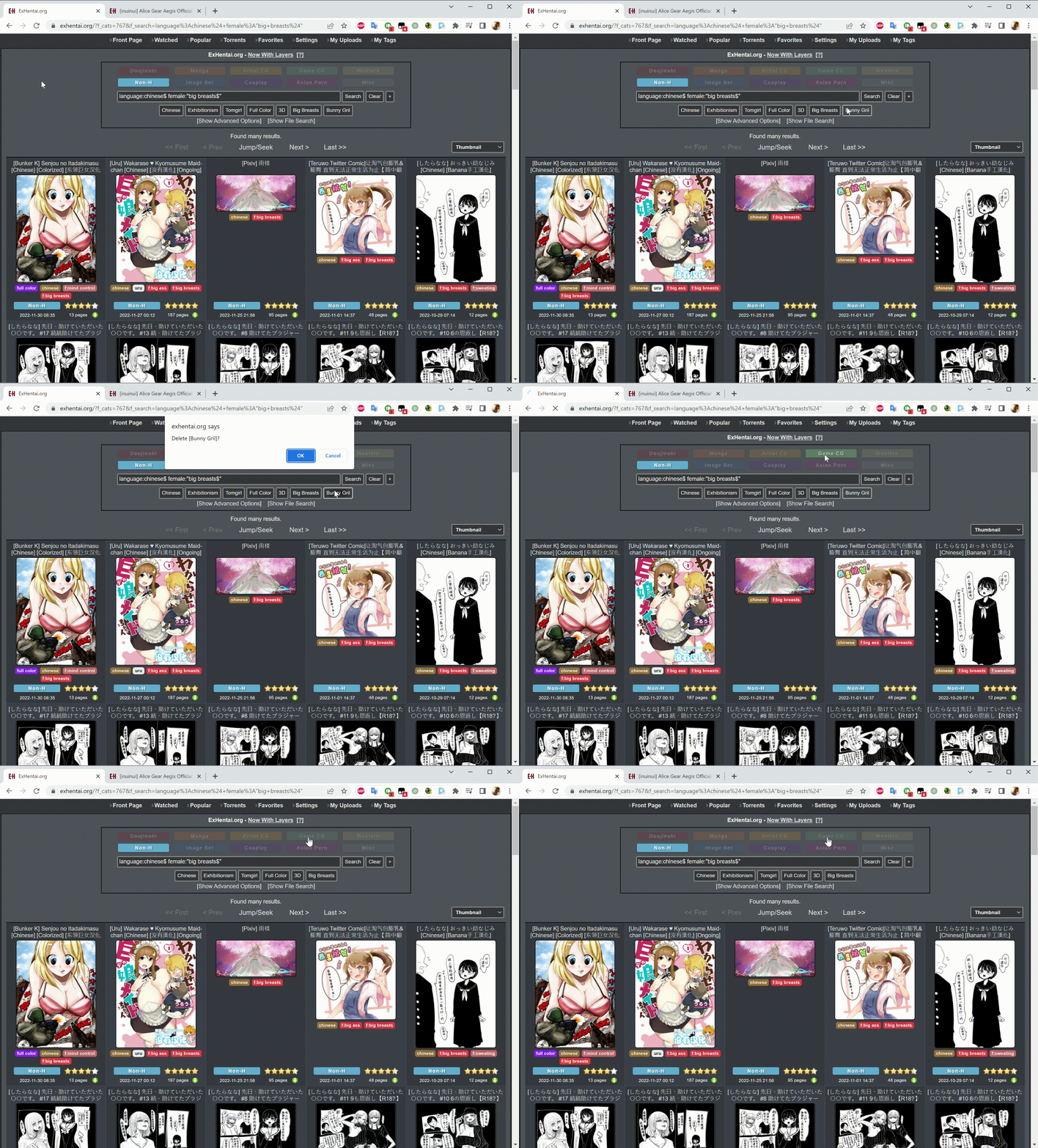
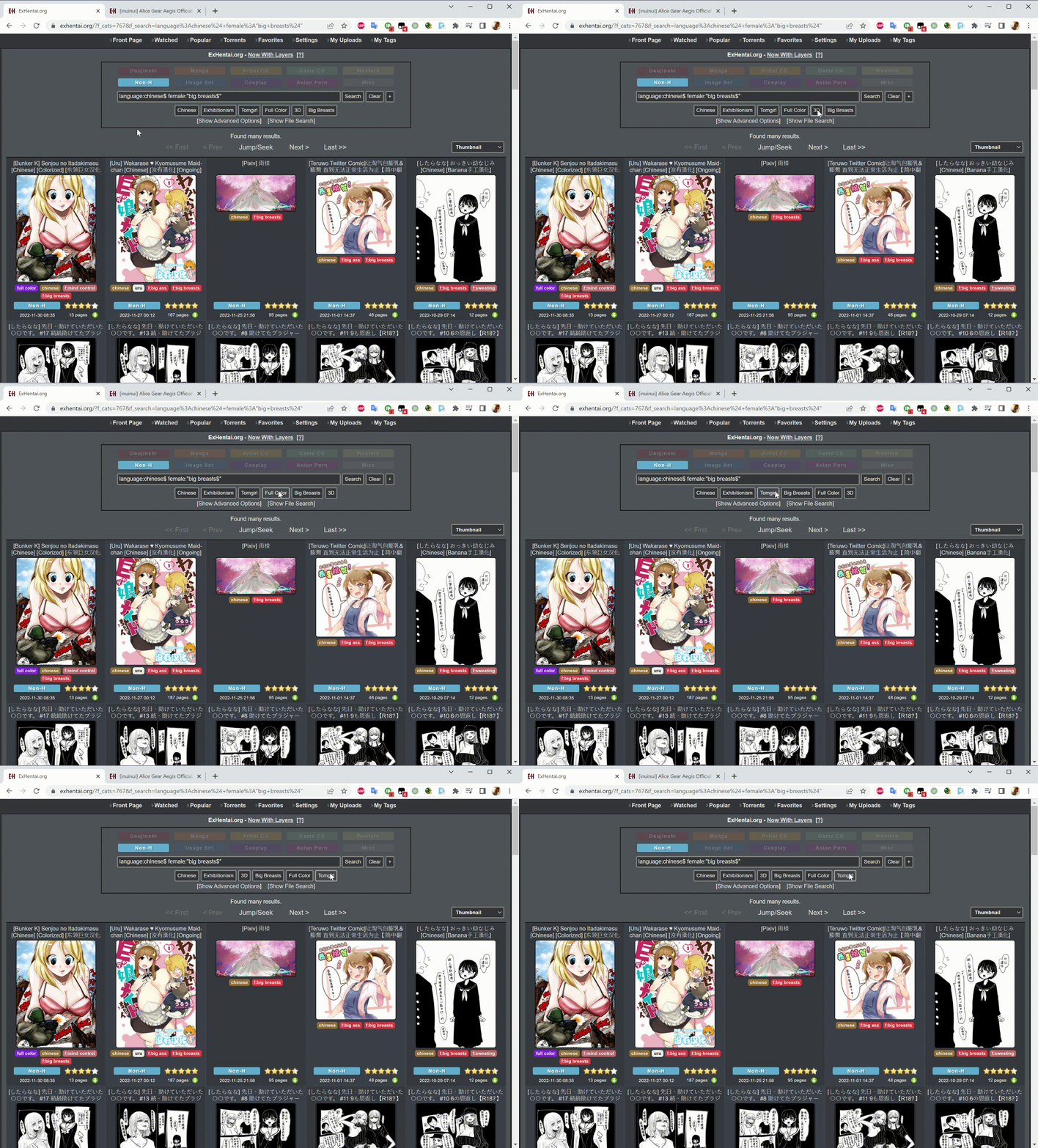
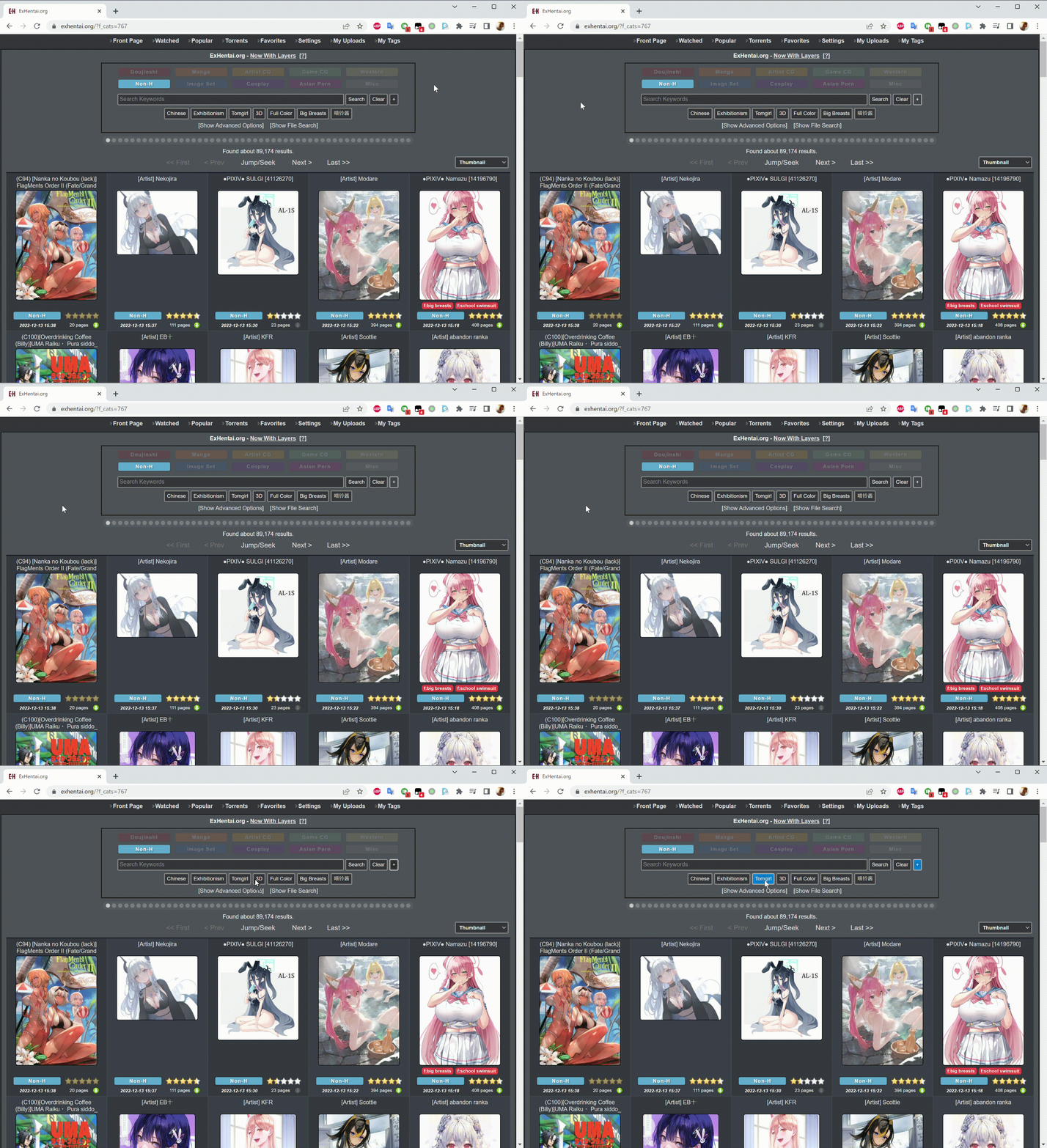
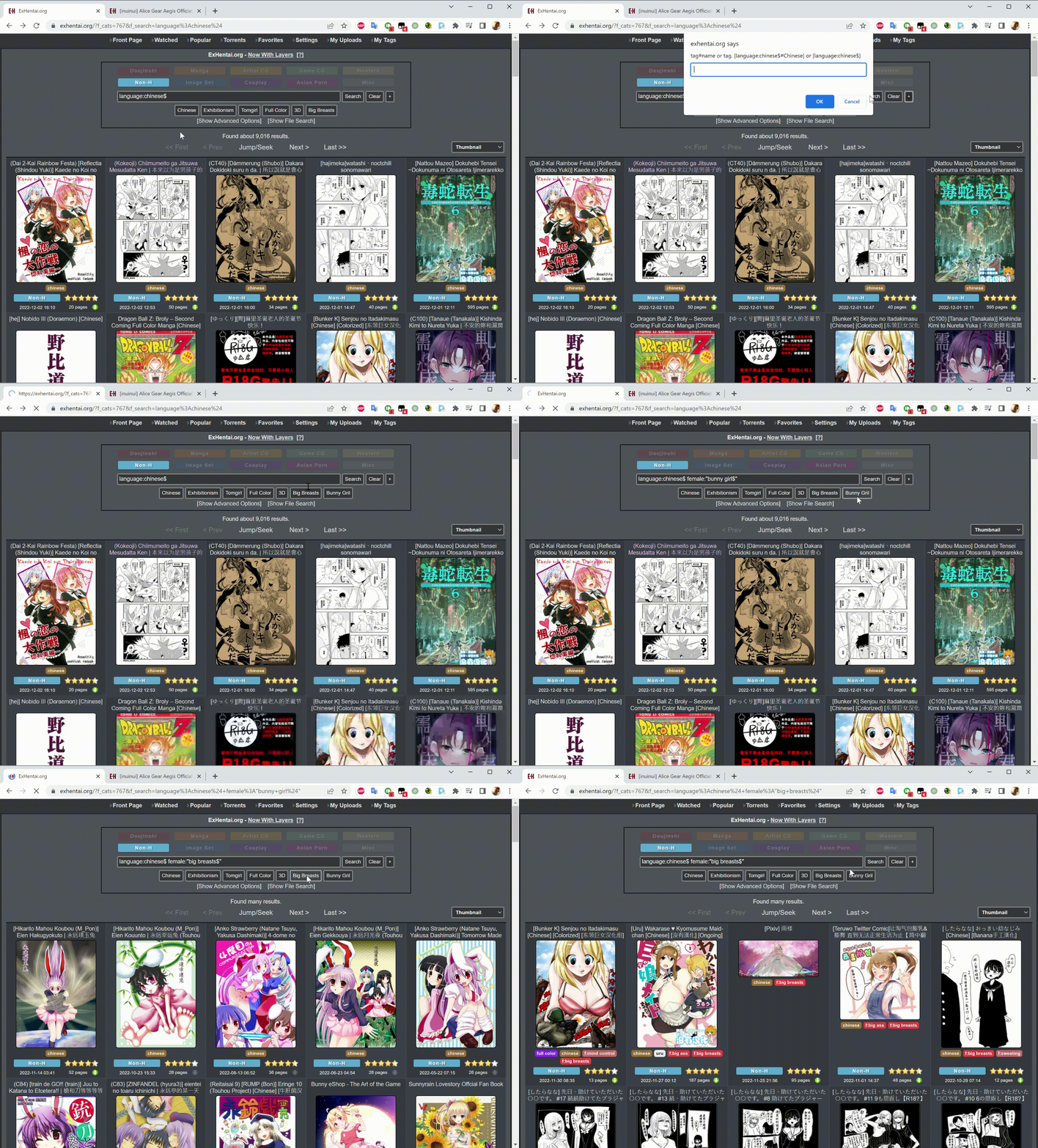
Add button on exhentai searchbox

Add your favorite keyword/tag on the searchbox

คุณจะต้องติดตั้งส่วนขยาย เช่น Tampermonkey, Greasemonkey หรือ Violentmonkey เพื่อติดตั้งสคริปต์นี้

คุณจะต้องติดตั้งส่วนขยาย เช่น Tampermonkey หรือ Violentmonkey เพื่อติดตั้งสคริปต์นี้

คุณจะต้องติดตั้งส่วนขยาย เช่น Tampermonkey หรือ Violentmonkey เพื่อติดตั้งสคริปต์นี้

You will need to install an extension such as Tampermonkey or Userscripts to install this script.

You will need to install an extension such as Tampermonkey to install this script.

You will need to install a user script manager extension to install this script.

(I already have a user script manager, let me install it!)

You will need to install an extension such as Stylus to install this style.

You will need to install an extension such as Stylus to install this style.

You will need to install an extension such as Stylus to install this style.

You will need to install a user style manager extension to install this style.

You will need to install a user style manager extension to install this style.

You will need to install a user style manager extension to install this style.

(I already have a user style manager, let me install it!)
ผู้เขียน
sachialanlus
จำนวนติดตั้งประจำวัน
0
จำนวนติดตั้งทั้งหมด
369
คะแนน
5 0 0
เวอร์ชัน
0.7
สร้างเมื่อ
05-11-2022
อัปเดตเมื่อ
13-12-2022
Size
9.18 กิโลไบต์
สัญญาอนุญาต
MIT
ปรับใช้กับ

Add Button on Search

  • Add your favorite keyword/tag on the searchbox.
  • Please use with This Script for full feature.
  • The function to add tag in gallery depends on the script mentioned above.

Usage

In home page searchbox [This Script]

  • Click + to add tag
  • Right click tag to delete
  • Drag&drop to swap tags
  • Right click + to choose color then drag&drop to tag to add color

In gallery [Add button on exhentai searchbox from tag button]

  • Right click on tag and [Tampermonkey] -> [Add tags to search] to add tag

Demo

  • Add tag
  • Delete tag
  • Swap tags
  • Add color