Rule34.xxx - Image Hover

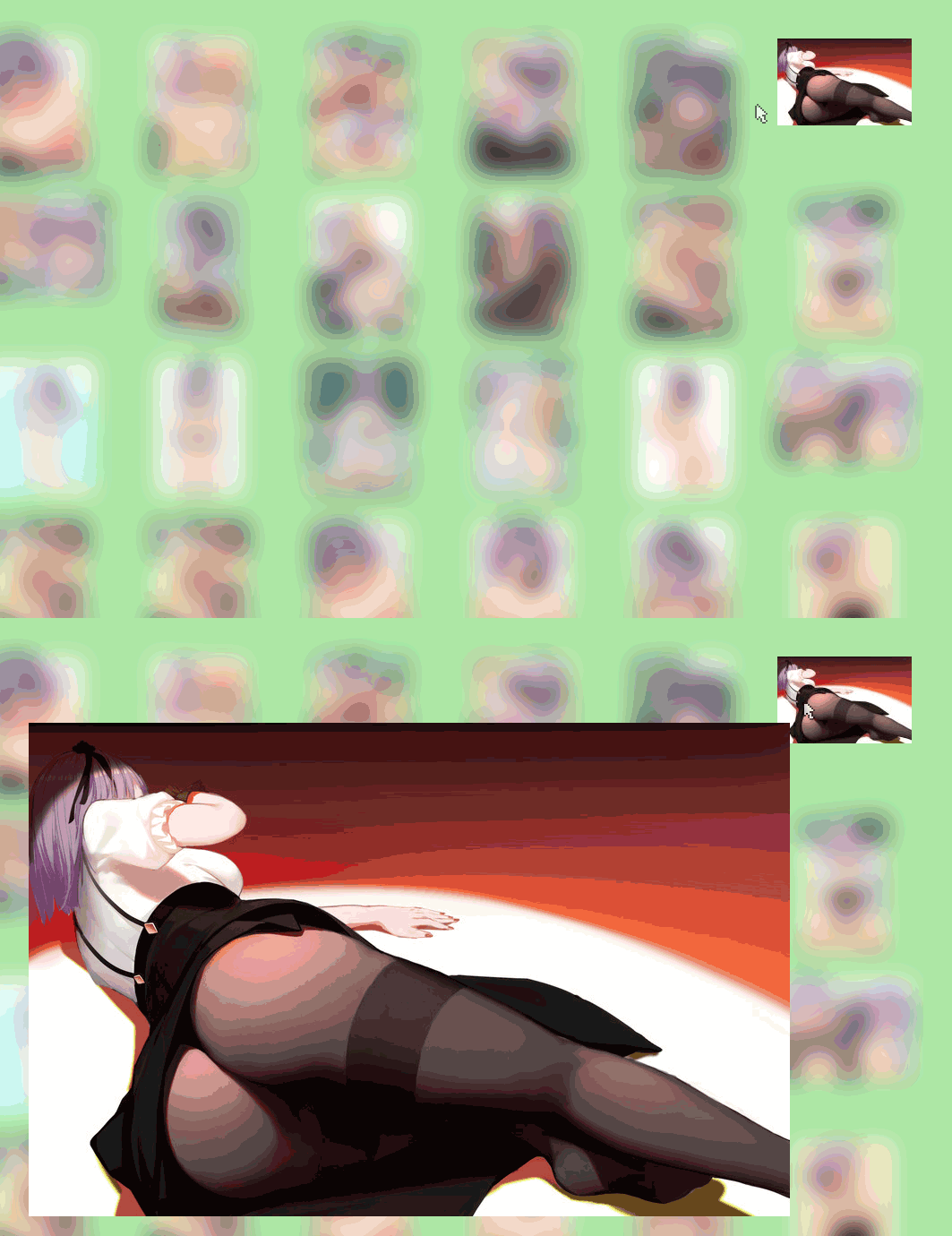
Shows the full size image when you hover over a thumbnail. Also adds arrow key navigation.

You will need to install an extension such as Tampermonkey, Greasemonkey or Violentmonkey to install this script.

You will need to install an extension such as Tampermonkey to install this script.

You will need to install an extension such as Tampermonkey or Violentmonkey to install this script.

You will need to install an extension such as Tampermonkey or Userscripts to install this script.

You will need to install an extension such as Tampermonkey to install this script.

You will need to install a user script manager extension to install this script.

(Tôi đã có Trình quản lý tập lệnh người dùng, hãy cài đặt nó!)

Advertisement:

You will need to install an extension such as Stylus to install this style.

You will need to install an extension such as Stylus to install this style.

You will need to install an extension such as Stylus to install this style.

You will need to install a user style manager extension to install this style.

You will need to install a user style manager extension to install this style.

You will need to install a user style manager extension to install this style.

(I already have a user style manager, let me install it!)

Advertisement:

Tác giả
Gondola
Cài đặt hàng ngày
0
Số lần cài đặt
1.996
Đánh giá
3 1 1
Phiên bản
1.0.2
Đã tạo
24-06-2020
Đã cập nhật
25-07-2023
Kích thước
4 KB
Sự tương thích
Tương thích với Firefox Tương thích với Chrome
Giấy phép
N/A
Áp dụng cho

Rule34.xxx - Image Hover

How To Use:
Hover over a thumbnail to show the fullsize image next to your cursor.
Press the Left or Right keys on your keyboard to navigate search results.


Works With:
Firefox:     ✅
Chrome:  ✅