Add button on exhentai searchbox

Add your favorite keyword/tag on the searchbox

您需要先安装一个扩展,例如 篡改猴Greasemonkey暴力猴,之后才能安装此脚本。

您需要先安装一个扩展,例如 篡改猴暴力猴,之后才能安装此脚本。

您需要先安装一个扩展,例如 篡改猴暴力猴,之后才能安装此脚本。

您需要先安装一个扩展,例如 篡改猴Userscripts ,之后才能安装此脚本。

您需要先安装一款用户脚本管理器扩展,例如 Tampermonkey,才能安装此脚本。

您需要先安装用户脚本管理器扩展后才能安装此脚本。

(我已经安装了用户脚本管理器,让我安装!)

您需要先安装一款用户样式管理器扩展,比如 Stylus,才能安装此样式。

您需要先安装一款用户样式管理器扩展,比如 Stylus,才能安装此样式。

您需要先安装一款用户样式管理器扩展,比如 Stylus,才能安装此样式。

您需要先安装一款用户样式管理器扩展后才能安装此样式。

您需要先安装一款用户样式管理器扩展后才能安装此样式。

您需要先安装一款用户样式管理器扩展后才能安装此样式。

(我已经安装了用户样式管理器,让我安装!)
作者
sachialanlus
日安装量
0
总安装量
369
评分
5 0 0
版本
0.7
创建于
2022-11-05
更新于
2022-12-13
大小
9.2 KB
许可证
MIT
适用于

Add Button on Search

  • Add your favorite keyword/tag on the searchbox.
  • Please use with This Script for full feature.
  • The function to add tag in gallery depends on the script mentioned above.

Usage

In home page searchbox [This Script]

  • Click + to add tag
  • Right click tag to delete
  • Drag&drop to swap tags
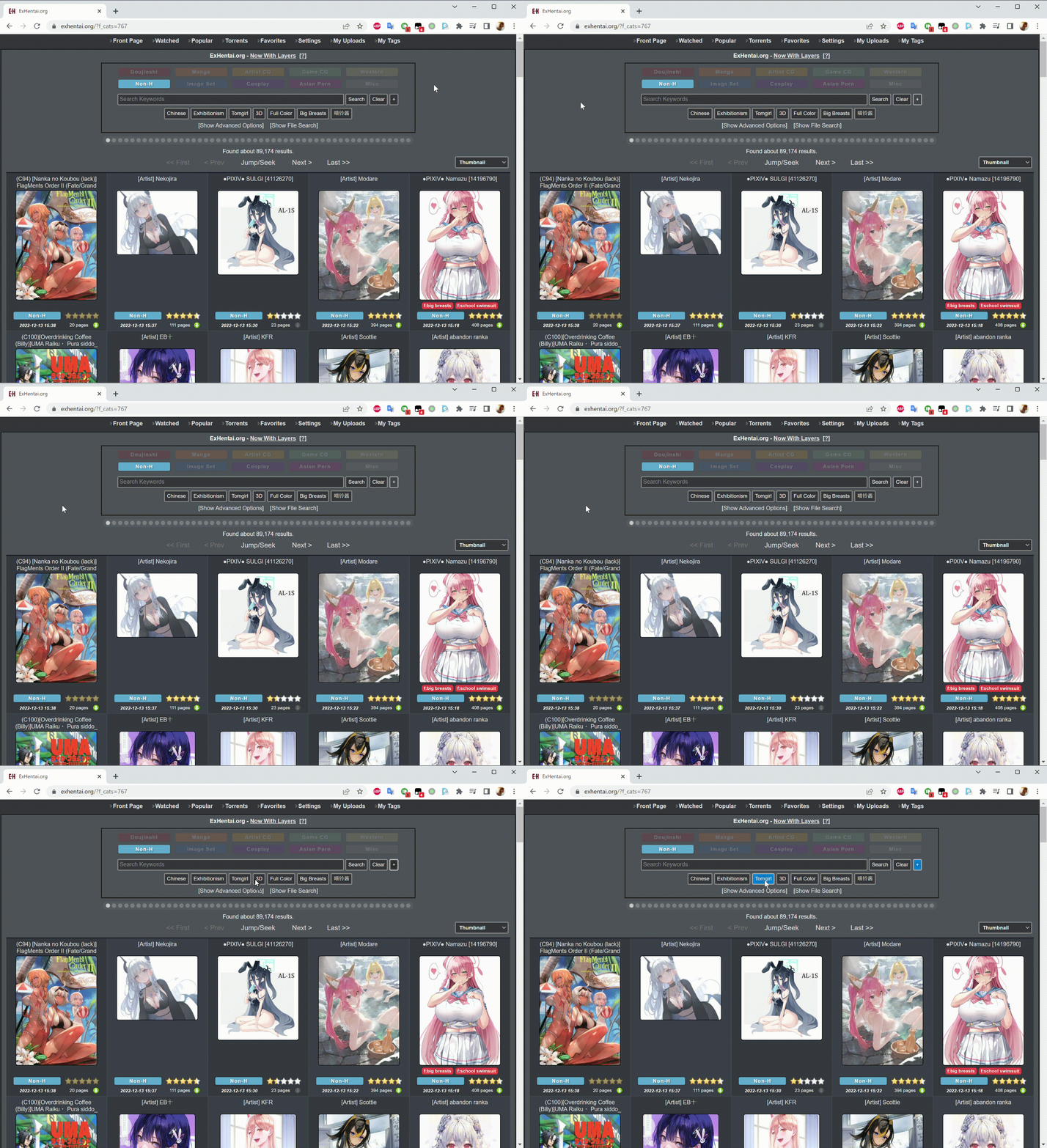
  • Right click + to choose color then drag&drop to tag to add color

In gallery [Add button on exhentai searchbox from tag button]

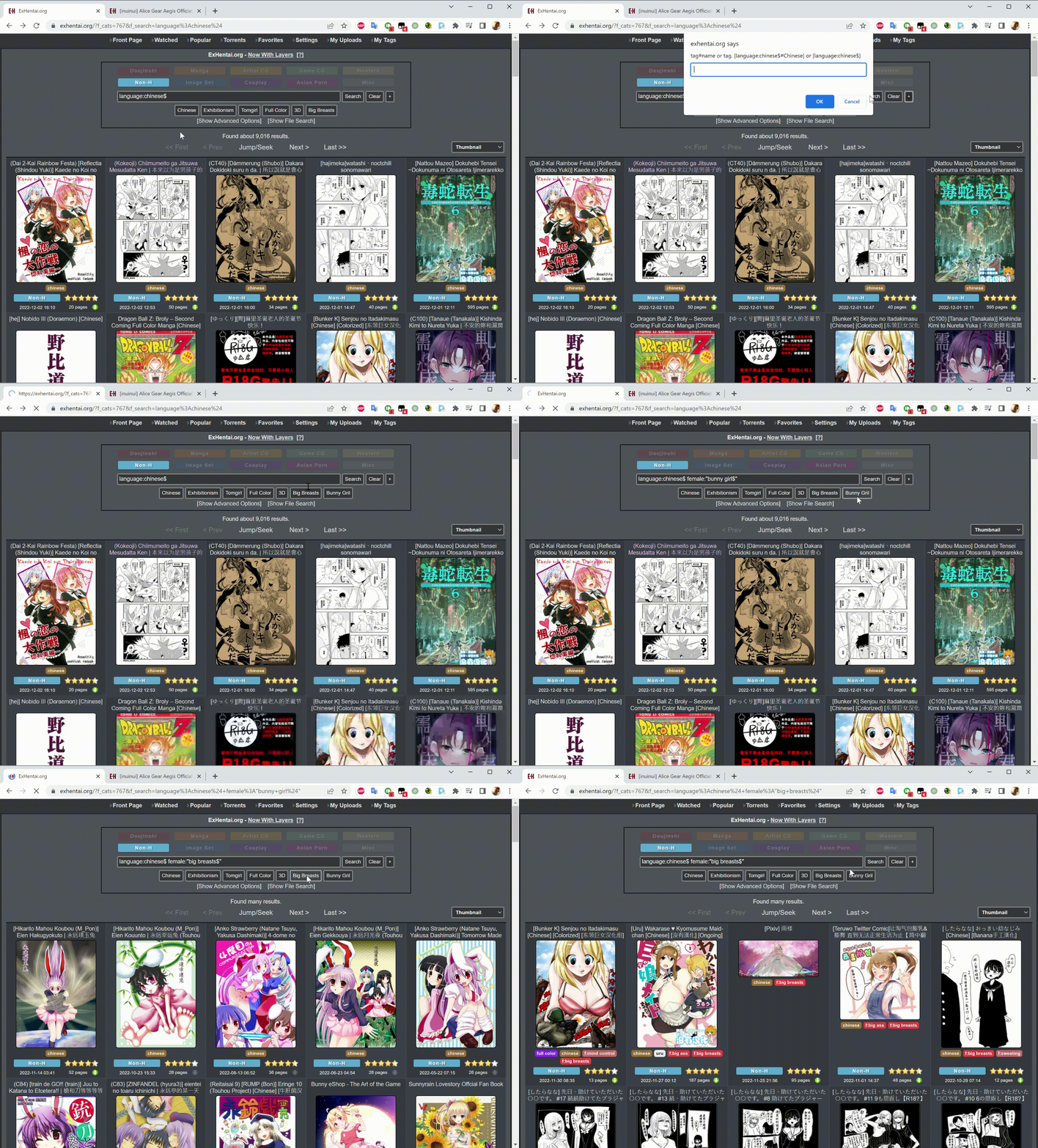
  • Right click on tag and [Tampermonkey] -> [Add tags to search] to add tag

Demo

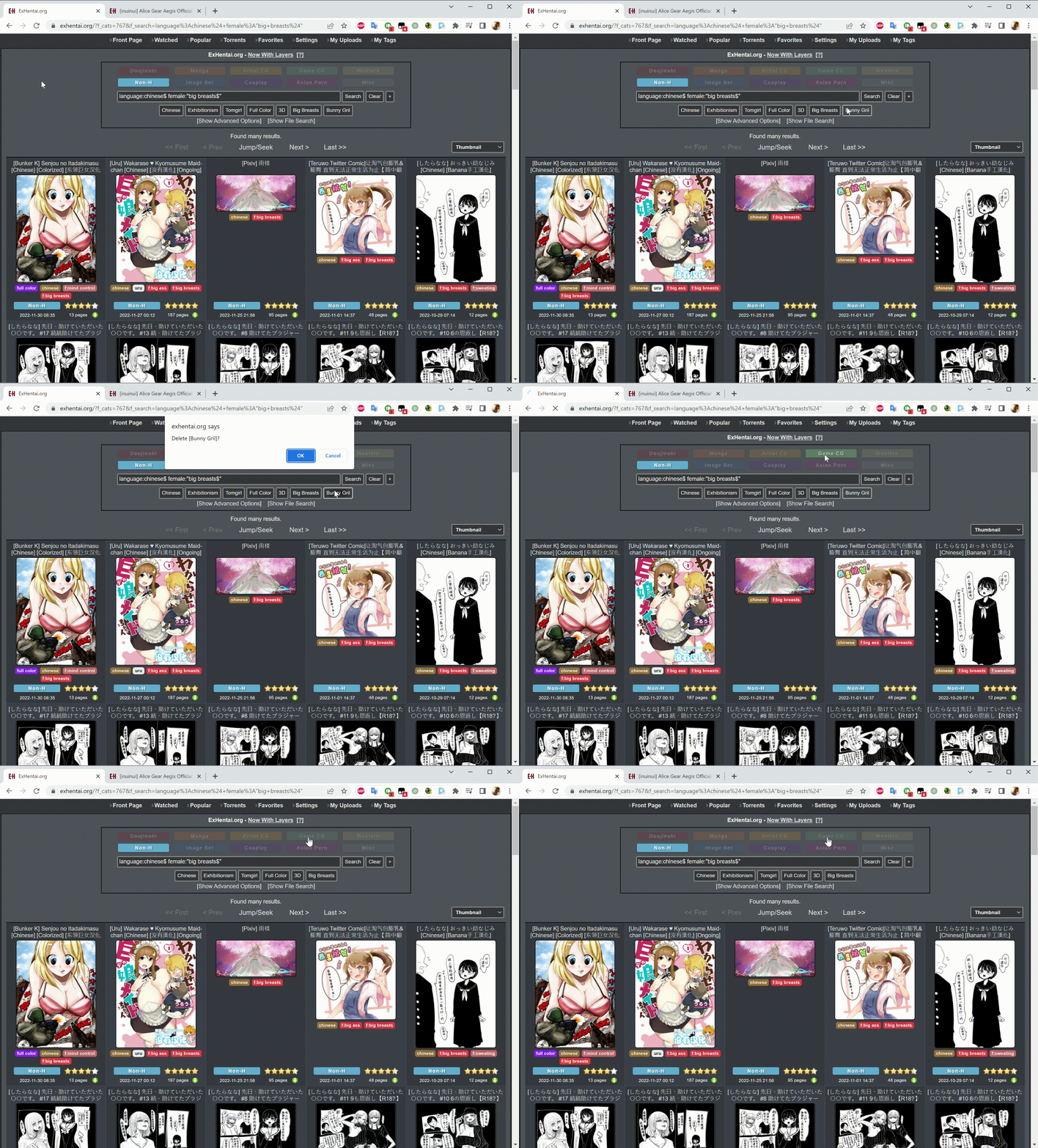
  • Add tag
  • Delete tag
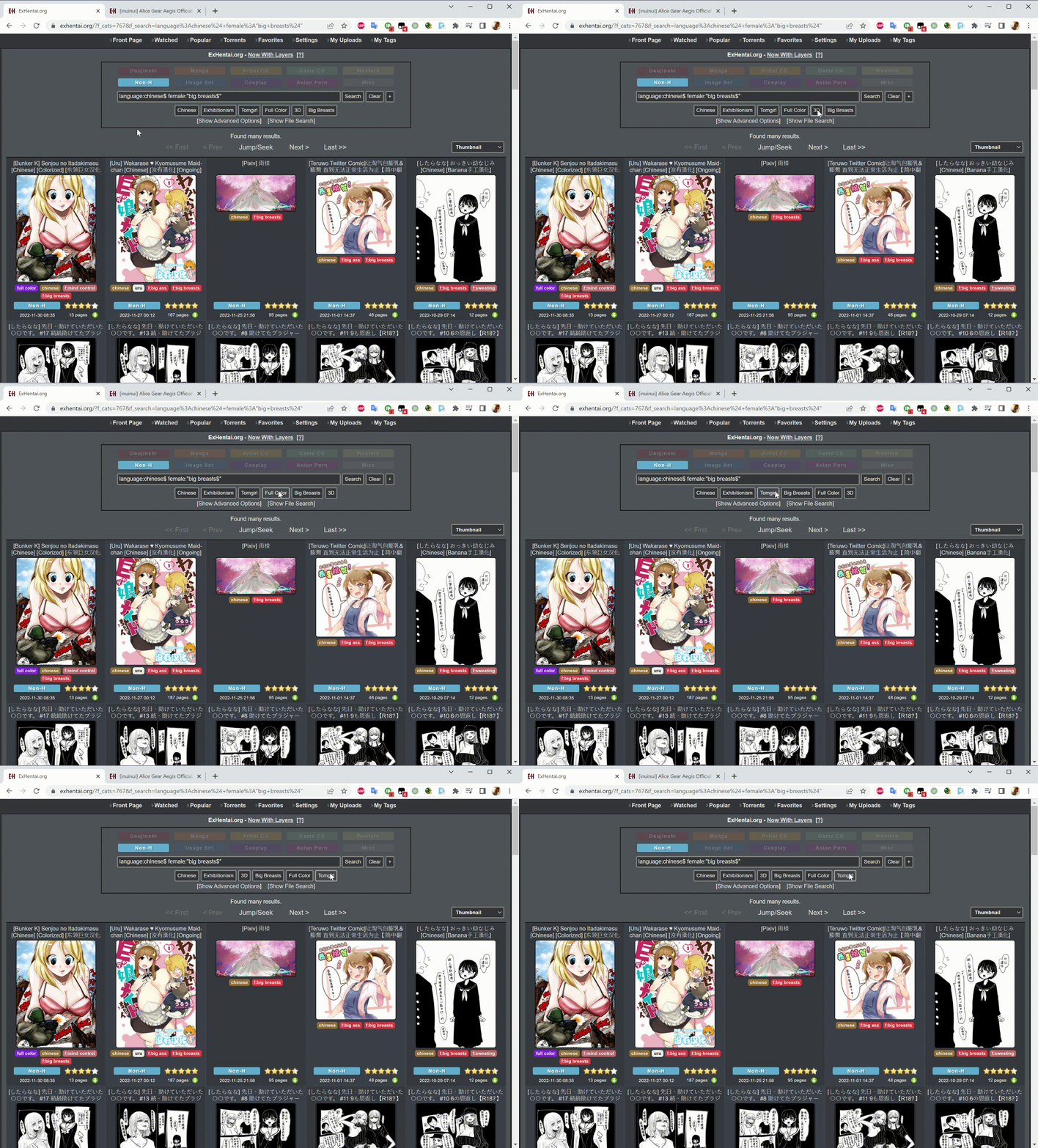
  • Swap tags
  • Add color