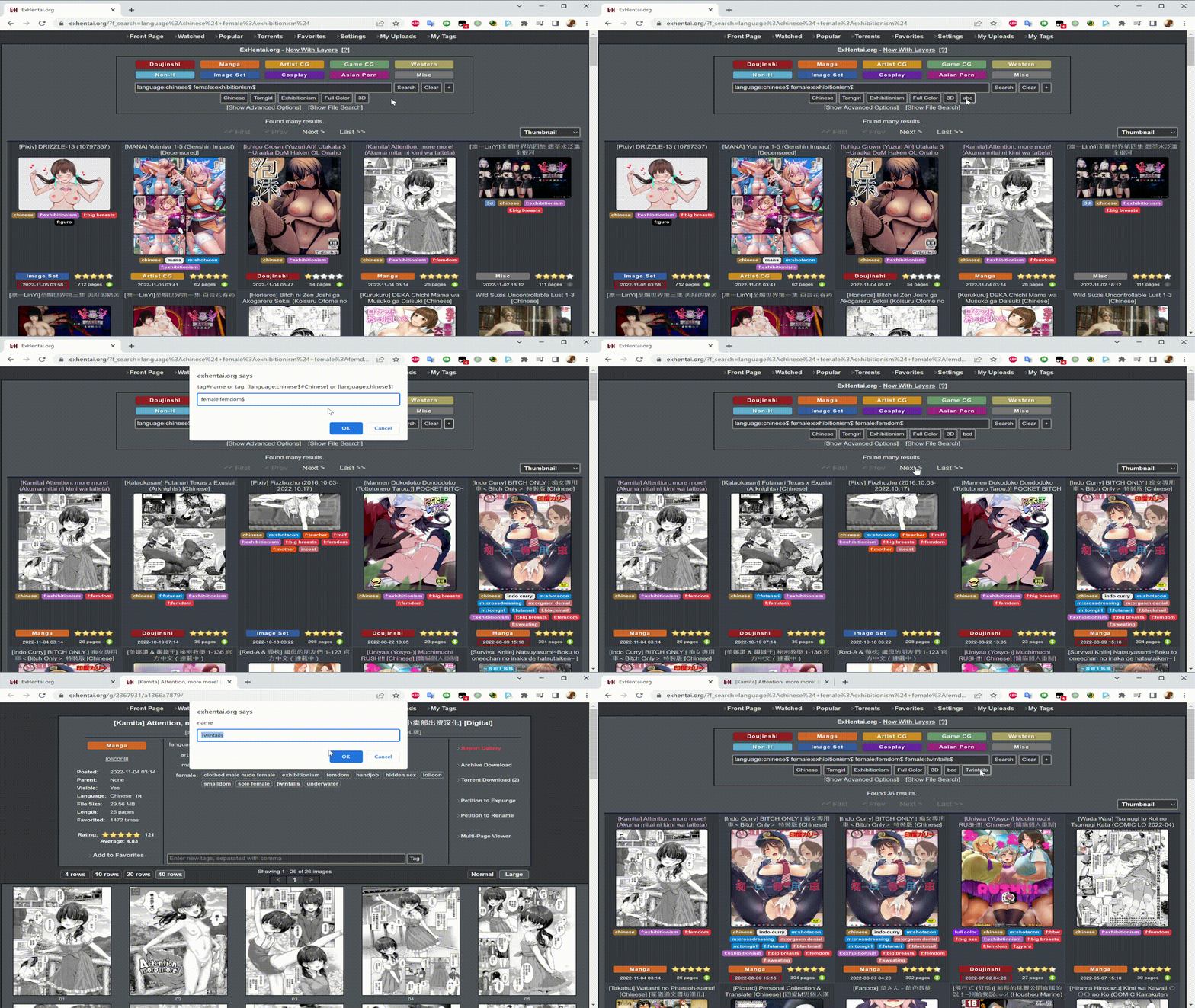
Add button on exhentai searchbox from tag button

Add your favorite keyword/tag on the searchbox from tag button

当前为 2022-11-05 提交的版本,查看 最新版本

您需要先安装一个扩展,例如 篡改猴Greasemonkey暴力猴,之后才能安装此脚本。

You will need to install an extension such as Tampermonkey to install this script.

您需要先安装一个扩展,例如 篡改猴暴力猴,之后才能安装此脚本。

您需要先安装一个扩展,例如 篡改猴Userscripts ,之后才能安装此脚本。

您需要先安装一款用户脚本管理器扩展,例如 Tampermonkey,才能安装此脚本。

您需要先安装用户脚本管理器扩展后才能安装此脚本。

(我已经安装了用户脚本管理器,让我安装!)

您需要先安装一款用户样式管理器扩展,比如 Stylus,才能安装此样式。

您需要先安装一款用户样式管理器扩展,比如 Stylus,才能安装此样式。

您需要先安装一款用户样式管理器扩展,比如 Stylus,才能安装此样式。

您需要先安装一款用户样式管理器扩展后才能安装此样式。

您需要先安装一款用户样式管理器扩展后才能安装此样式。

您需要先安装一款用户样式管理器扩展后才能安装此样式。

(我已经安装了用户样式管理器,让我安装!)

作者
sachialanlus
评分
0 0 0
版本
0.1
创建于
2022-11-05
更新于
2022-11-05
大小
1.4 KB
许可证
MIT
适用于

Add Button From Tag Button in Gallery

This script can only work with Tampermonkey

  • Add your favorite keyword/tag on the searchbox from tag button
  • Please use with This Script for full feature.
  • This Script does not work properly without installting the script mentioned above.

Usage

In home page searchbox [Add button on exhentai searchbox]

  • Click + to add tag
  • Right click tag to delete

In gallery [This Script]

  • Right click on tag and [Tampermonkey] -> [Add tags to search] to add tag