☰

Hitomi Enhanced

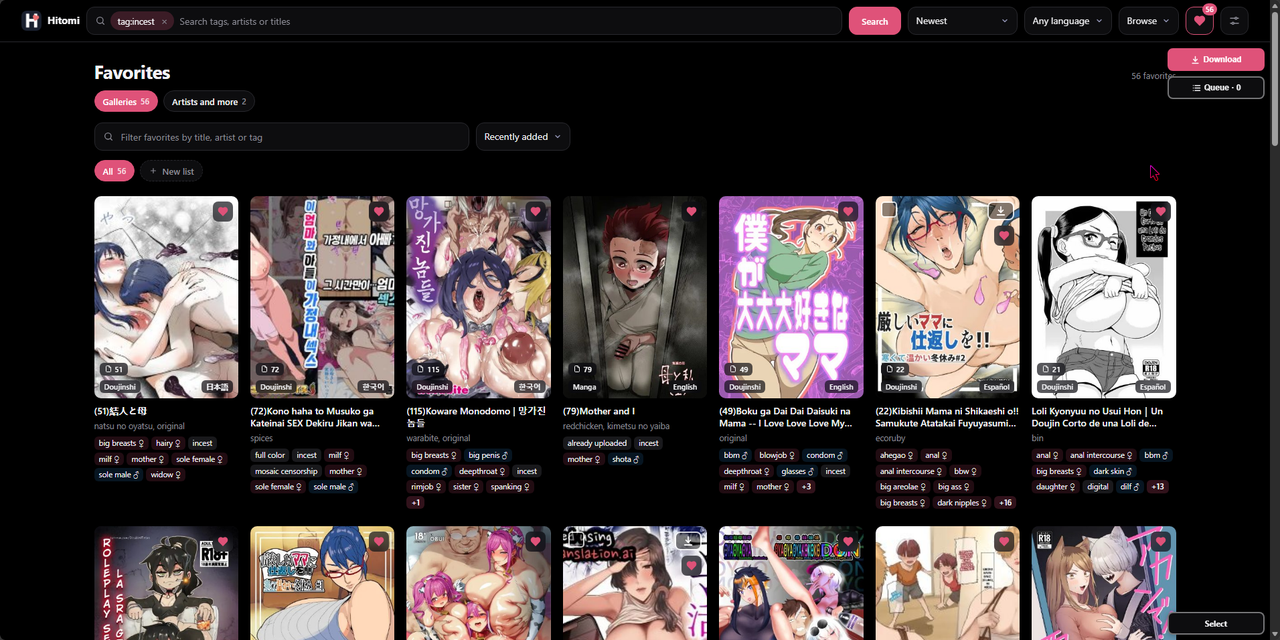
Redesign of hitomi.la (grid with themes, gallery pages, reader, tag autocomplete, blacklist, favorites, and search builder) with the Hitomi Downloader integrated: queue, ZIP/PDF/CBZ, page selection, and preview.

You will need to install an extension such as Tampermonkey, Greasemonkey or Violentmonkey to install this script.

You will need to install an extension such as Tampermonkey or Violentmonkey to install this script.

You will need to install an extension such as Tampermonkey or Violentmonkey to install this script.

You will need to install an extension such as Tampermonkey or Userscripts to install this script.

You will need to install an extension such as Tampermonkey to install this script.

You will need to install a user script manager extension to install this script.

(I already have a user script manager, let me install it!)

You will need to install an extension such as Stylus to install this style.

You will need to install an extension such as Stylus to install this style.

You will need to install an extension such as Stylus to install this style.

You will need to install a user style manager extension to install this style.

You will need to install a user style manager extension to install this style.

You will need to install a user style manager extension to install this style.

(I already have a user style manager, let me install it!)

Аўтар
S H I M U R A
Усталяванняў за дзень
2
Усяго ўсталяванняў
2
Рэйтынг
1 0 0
Версія
2.0.0
Створаны
22.11.2026
Абноўлены
22.11.2026
Памер
405.3 КБ
Ліцэнзія
MIT
Ужываецца на

🎨 Hitomi Enhanced

A complete redesign of hitomi.la with the downloader built in. One script: a cleaner interface, a real reader, favorites, a blacklist and a full download manager.

Requires a userscript manager such as Tampermonkey or Violentmonkey. Open the settings with the gear button.
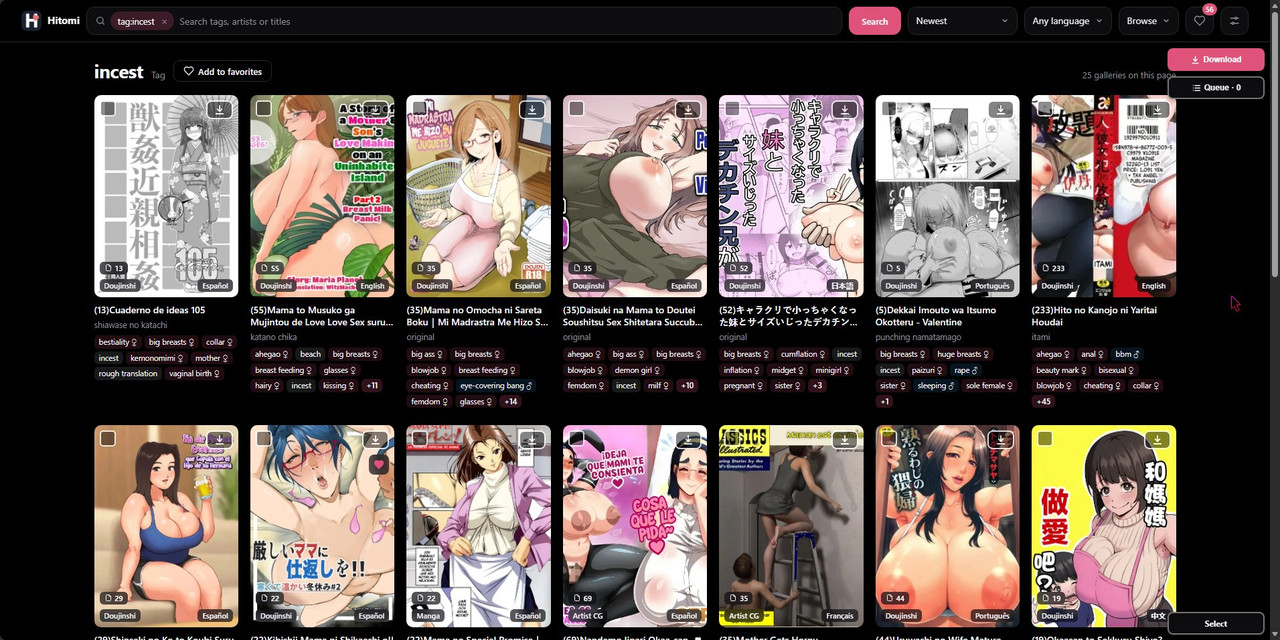

📸 Screenshots


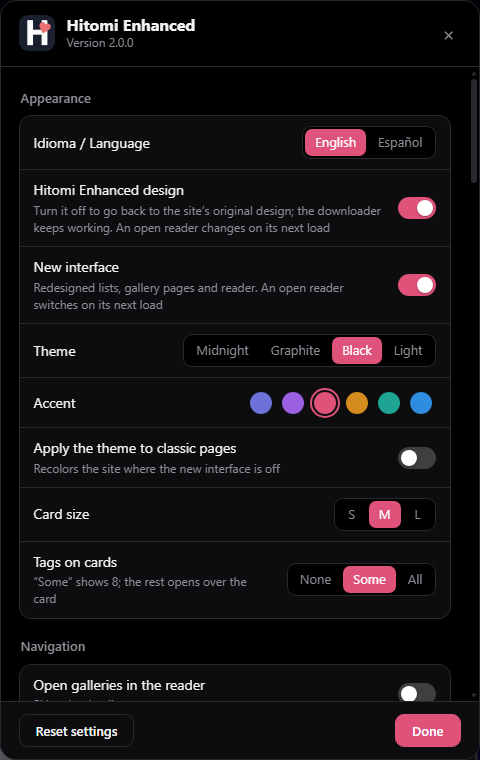
Appearance settings
Reader settings
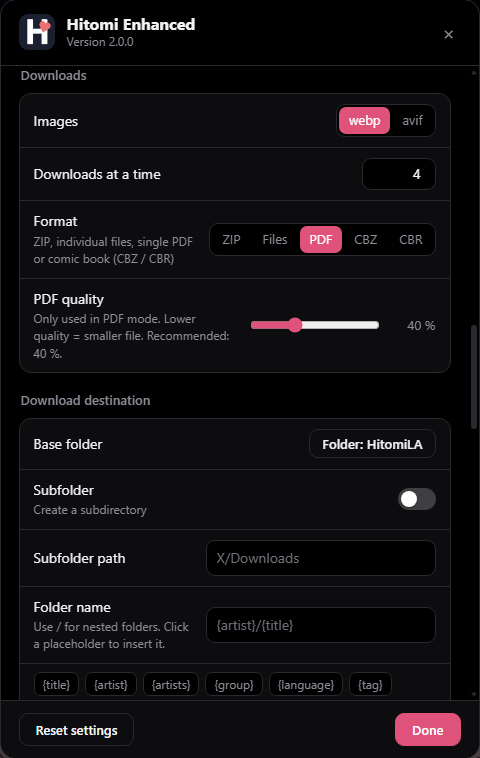
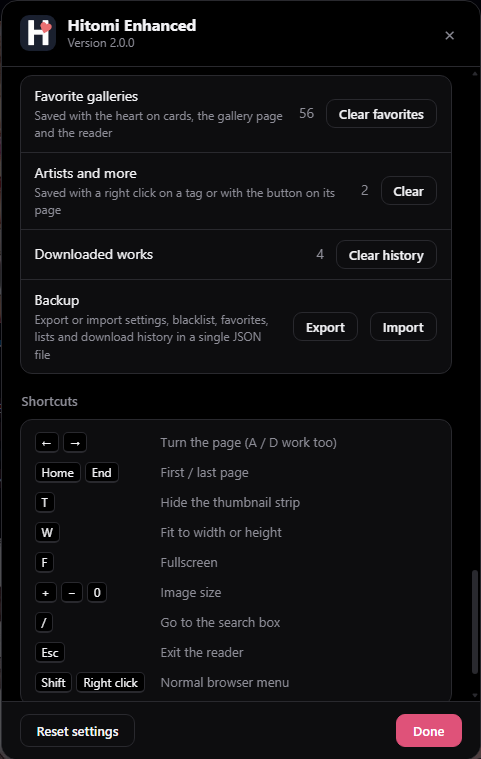
Appearance settingsDownloads settingsShortcuts and data

Click any screenshot to see it full size.


✨ Features

🖼️ Interface📖 Reader
  • Card grid with 4 themes (Midnight, Graphite, Black, Light) and 6 accent colors
  • Small, medium or large cards
  • Tags on cards, with the rest shown on hover
  • Redesigned gallery pages with a page thumbnail grid
  • Tag autocomplete and a search builder
  • Smooth page changes in the list
  • Fit to width, height or fullscreen
  • Thumbnail strip (bottom, left, right or off)
  • Click the image halves to turn pages
  • Auto-hiding top bar
  • Adjustable image size
  • Full keyboard navigation
⭐ Favorites & blacklist⬇️ Downloader
  • Favorite galleries, artists, groups and tags
  • Custom lists to organize galleries
  • Browse a favorite artist, group or tag with numbered pages
  • Blacklist tags: hide or dim matching galleries
  • Export and import everything in one JSON file
  • Download from a card, or select several and use the queue
  • Formats: ZIP, individual files, PDF, CBZ or CBR
  • Images in WebP or AVIF, adjustable PDF quality
  • Choose which pages to download
  • Configurable parallel downloads and download history
  • Folder and subfolder templates with placeholders such as {artist} and {title}

👁️ Hover preview

Hover over a cover to preview the gallery's pages without opening it. Switch pages with the mouse wheel, the arrow keys or space. An optional summary shows the title, artist, tags and page count.


⌨️ Shortcuts

KeyAction
← → (or A D)Turn the page
Home / EndFirst / last page
THide the thumbnail strip
WFit to width or height
FFullscreen
+ − 0Image size
/Go to the search box
EscExit the reader


⚙️ Good to know

  • The interface is available in English and Español.
  • You can turn the redesign off in the settings and keep only the downloader.
  • The downloader is based on Hitomi Downloader; credit goes to its original author.
  • Bug reports and suggestions are welcome in the feedback section.


Complete redesign of hitomi.la with a built-in downloader: revamped grid with themes, gallery page, and reader; favorites (works, artists, groups, and tags); blacklist; download queue for ZIP/PDF/CBZ/CBR files; page selection; and hover previews. Everything is configured via the gear icon, and the interface can be switched between Spanish and English.