Let's panda!

A login, view, download tool for exhentai & e-hentai

Dovrai installare un'estensione come Tampermonkey, Greasemonkey o Violentmonkey per installare questo script.

You will need to install an extension such as Tampermonkey to install this script.

Dovrai installare un'estensione come Tampermonkey o Violentmonkey per installare questo script.

Dovrai installare un'estensione come Tampermonkey o Userscripts per installare questo script.

Dovrai installare un'estensione come ad esempio Tampermonkey per installare questo script.

Dovrai installare un gestore di script utente per installare questo script.

(Ho già un gestore di script utente, lasciamelo installare!)

Dovrai installare un'estensione come ad esempio Stylus per installare questo stile.

Dovrai installare un'estensione come ad esempio Stylus per installare questo stile.

Dovrai installare un'estensione come ad esempio Stylus per installare questo stile.

Dovrai installare un'estensione per la gestione degli stili utente per installare questo stile.

Dovrai installare un'estensione per la gestione degli stili utente per installare questo stile.

Dovrai installare un'estensione per la gestione degli stili utente per installare questo stile.

(Ho già un gestore di stile utente, lasciamelo installare!)

Autore
MINO
Installazioni giornaliere
10
Installazioni totali
35.768
Valutazione
70 4 1
Versione
0.2.29
Creato il
10/10/2017
Aggiornato il
21/12/2025
Dimensione
43,5 KB
Licenza
MIT
Applica a

Let's panda!

A Greasy Fork user script for exhentai
Required Environment

Features

Login

1

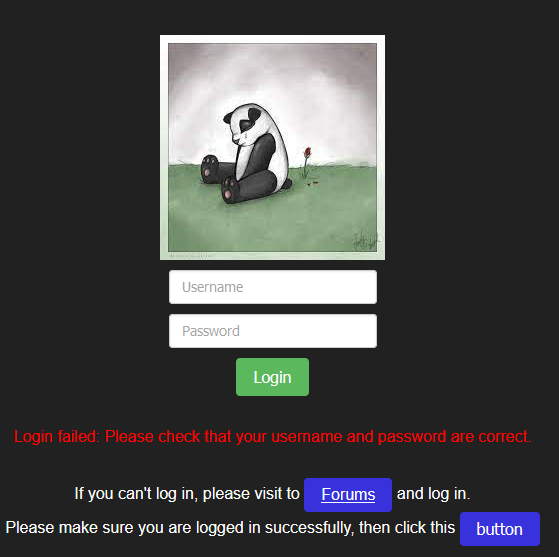
If that show Login succeeded, and you cannot access exhentai,
First, don't use the private browsing then try again,
if it still doesn't work, it could be that your account doesn't have access to exhentai,
but you still can use other features in e-hentai.
Download & Viewer

2

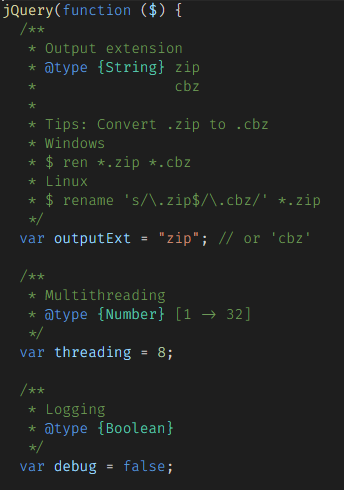
Some script configurations

3

Usage

Login

  • Input your exhentai account and password.
  • If you cannot log in, please follow the instructions.
    1

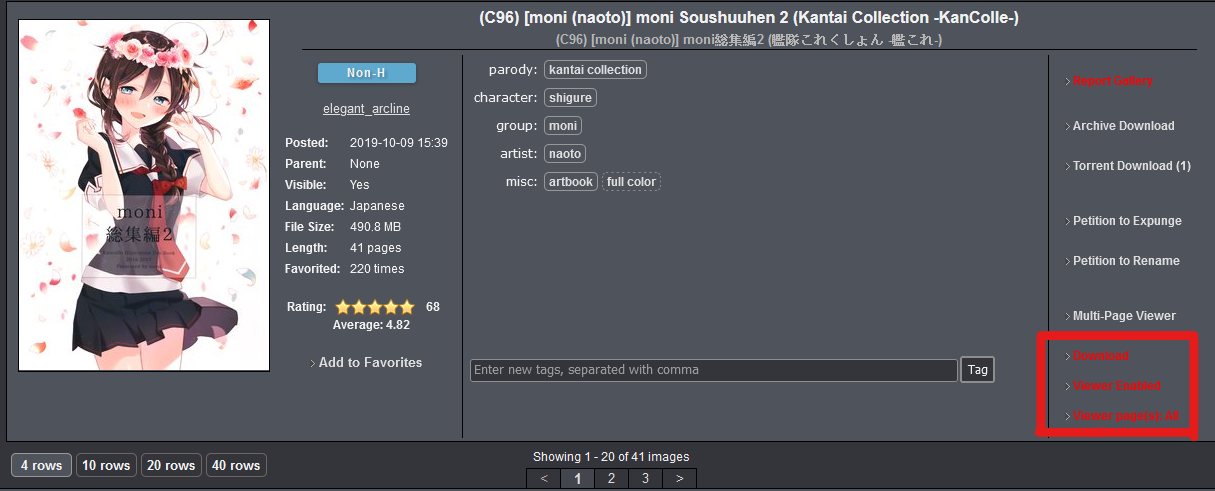
Download

  • Just click "Download" text
    7

Viewer

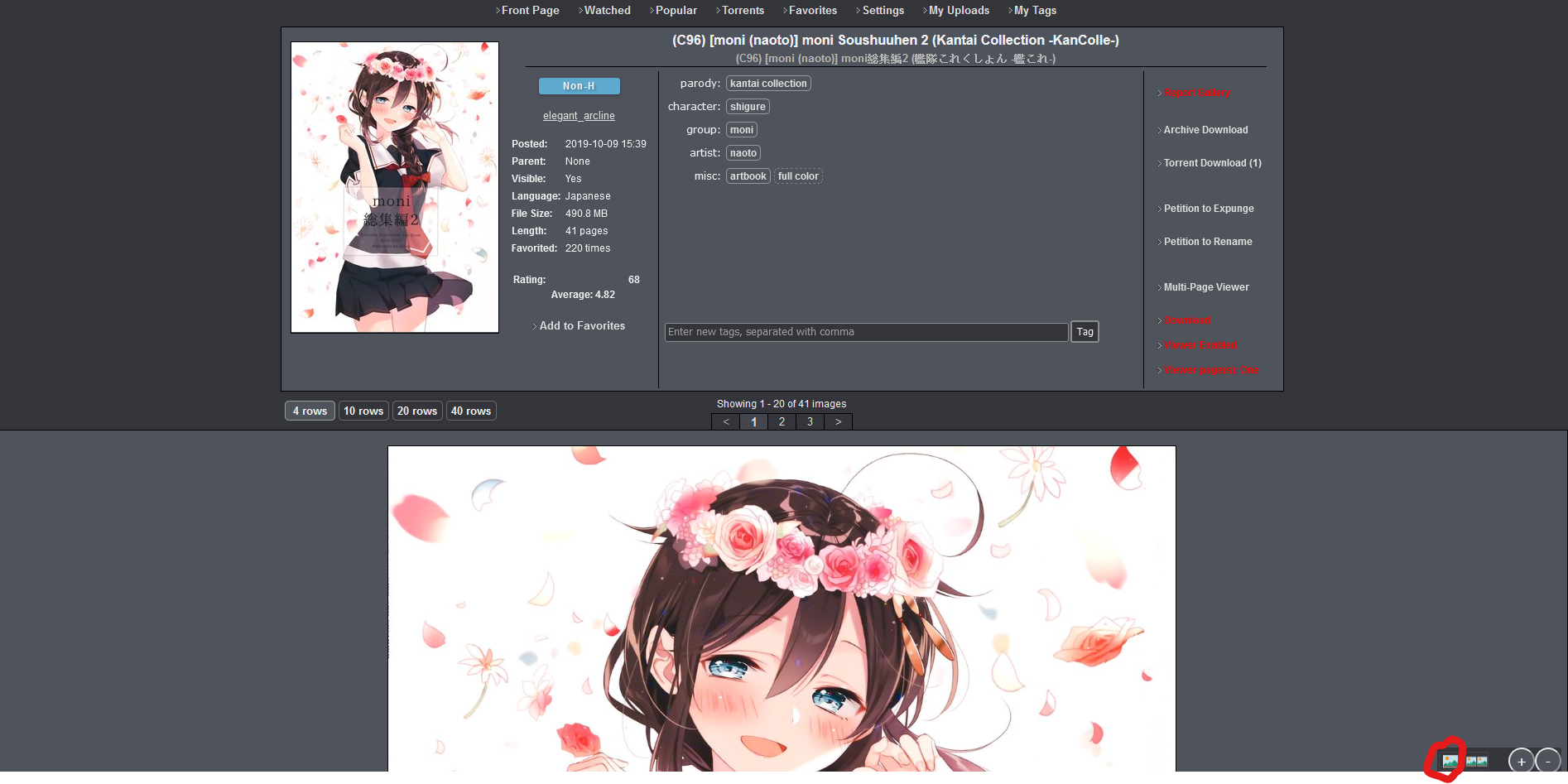
  1. First enable Viewer
    7

    • Viewer page(s): All
      • Load images for all pages
      • e.g. Showing 1 - 20 of 41 images it will load 1 - 41 images in current page
    • Viewer page(s): One
      • Load images for current page
      • e.g. Showing 1 - 20 of 41 images it will load 1 - 20 images in current page
  2. Viewer mode

    • Single mode
      • 4
    • Double mode
      • 5
    • When you are in double mode, click the double mode button once more and it will reverse image like this.
      • 6

Install the Script

License

The MIT License

If you have any issues please issue on GitHub.

Feedback also works but I won't check every day.