☰

Imaglr - Widescreen Improvements

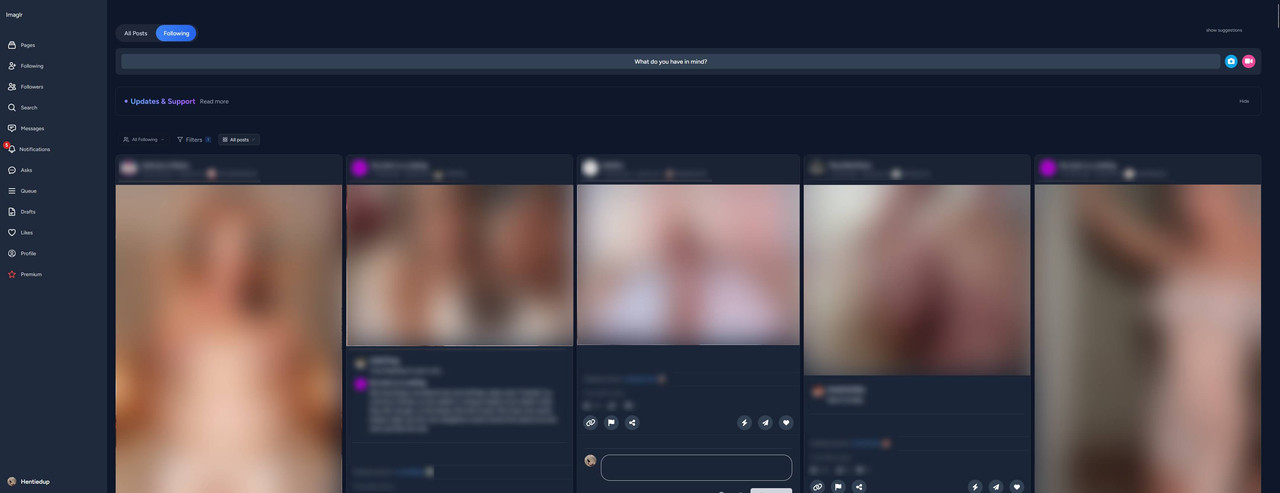
Makes the main post container on Imaglr full width, optionally displaying multiple posts per row. Adjust post size and Home page display style.
スクリプトをインストールするには、Tampermonkey, Greasemonkey や Violentmonkey のような拡張機能のインストールが必要です。

スクリプトをインストールするには、 Tampermonkey や Violentmonkey のような拡張機能のインストールが必要です。

スクリプトをインストールするには、Tampermonkey や Violentmonkey のような拡張機能のインストールが必要です。

スクリプトをインストールするには、Tampermonkey や Userscripts のような拡張機能のインストールが必要です。

このスクリプトをインストールするには、Tampermonkeyなどの拡張機能をインストールする必要があります。

このスクリプトをインストールするには、ユーザースクリプト管理ツールの拡張機能をインストールする必要があります。

(ユーザースクリプト管理ツールは設定済みなのでインストール!)

このスタイルをインストールするには、Stylusなどの拡張機能をインストールする必要があります。

このスタイルをインストールするには、Stylus などの拡張機能をインストールする必要があります。

このスタイルをインストールするには、Stylus tなどの拡張機能をインストールする必要があります。

このスタイルをインストールするには、ユーザースタイル管理用の拡張機能をインストールする必要があります。

このスタイルをインストールするには、ユーザースタイル管理用の拡張機能をインストールする必要があります。

このスタイルをインストールするには、ユーザースタイル管理用の拡張機能をインストールする必要があります。

(ユーザースタイル管理ツールは設定済みなのでインストール!)

このスクリプトの質問や評価の投稿はこちら、通報はこちらへお寄せください
作者
Hentiedup
1日のインストール数
0
累計インストール数
7
評価
0 0 0
バージョン
3.0.0
作成日
2026/04/17
更新日
2026/10/25
大きさ
1.75KB
ライセンス
Unlicense
対象サイト

Imaglr - Widescreen Improvements

Makes the main post container on Imaglr full width, optionally displaying multiple posts per row. Also lets you adjust post size and home page display style. (Affects Home page only currently)

Note that (at least for now) home page style "Masonry" loads in posts in a weird messy order. If you want to use Masonry, I recommend using pagination.

Screenshot ^Example screenshot on an ultrawide monitor^


You need Stylus to be able to install userstyles.


Settings

Settings found in Stylus menu by clicking the cog icon next to the style.

  • Post Container Width: Sets the width of the main container that houses all the posts.
  • Single Post Width: Sets the desired post width.
  • Home Page Mode: Lets you choose the view mode for the home page.