☰

NHentai Flow

Enhances the site with instant previews, visual markers for favorites, a reading queue, tag tools, smart navigation, and more.

ही स्क्रिप्ट इंस्टॉल करण्यासाठी तुम्हाला Tampermonkey, Greasemonkey किंवा Violentmonkey यासारखे एक्स्टेंशन इंस्टॉल करावे लागेल.

You will need to install an extension such as Tampermonkey or Violentmonkey to install this script.

ही स्क्रिप्ट इंस्टॉल करण्यासाठी तुम्हाला Tampermonkey किंवा Violentmonkey यासारखे एक्स्टेंशन इंस्टॉल करावे लागेल..

You will need to install an extension such as Tampermonkey or Userscripts to install this script.

ही स्क्रिप्ट इंस्टॉल करण्यासाठी तुम्हाला Tampermonkey यासारखे एक्स्टेंशन इंस्टॉल करावे लागेल..

ही स्क्रिप्ट इंस्टॉल करण्यासाठी तुम्हाला एक युझर स्क्रिप्ट व्यवस्थापक एक्स्टेंशन इंस्टॉल करावे लागेल.

(माझ्याकडे आधीच युझर स्क्रिप्ट व्यवस्थापक आहे, मला इंस्टॉल करू द्या!)

ही स्टाईल इंस्टॉल करण्यासाठी तुम्हाला Stylus सारखे एक्स्टेंशन इंस्टॉल करावे लागेल.

ही स्टाईल इंस्टॉल करण्यासाठी तुम्हाला Stylus सारखे एक्स्टेंशन इंस्टॉल करावे लागेल.

ही स्टाईल इंस्टॉल करण्यासाठी तुम्हाला Stylus सारखे एक्स्टेंशन इंस्टॉल करावे लागेल.

ही स्टाईल इंस्टॉल करण्यासाठी तुम्हाला एक युझर स्टाईल व्यवस्थापक इंस्टॉल करावे लागेल.

ही स्टाईल इंस्टॉल करण्यासाठी तुम्हाला एक युझर स्टाईल व्यवस्थापक इंस्टॉल करावे लागेल.

ही स्टाईल इंस्टॉल करण्यासाठी तुम्हाला एक युझर स्टाईल व्यवस्थापक इंस्टॉल करावे लागेल.

(माझ्याकडे आधीच युझर स्टाईल व्यवस्थापक आहे, मला इंस्टॉल करू द्या!)

लेखक
Testador
दैनिक इंस्टॉल
0
एकूण इंस्टॉल
83
रेटिंग
2 0 0
आवृत्ती
1.6.2
बनवली
2025-11-28
अपडेट केली
2026-11-05
आकार
194 KB
License
MIT
यांवर लागू होते:

Features

1. Reading Queue

Found something interesting but don't want to read it right away? Add it to your Reading Queue.

Flow provides a dedicated space to collect and organize galleries you want to revisit, with two convenient ways to access your queue:
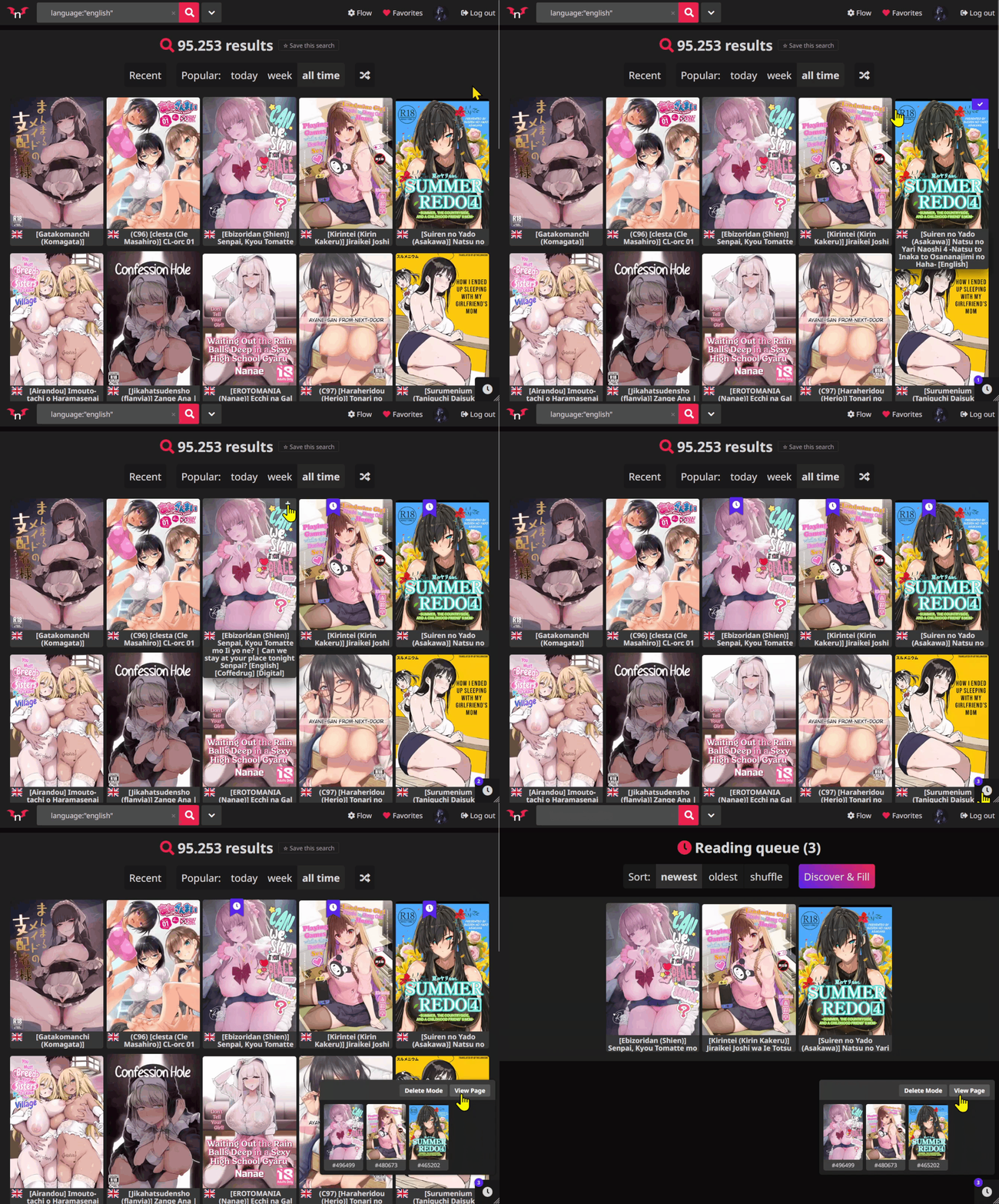
  • Quick-access popup: View your saved galleries without leaving the current page.
  • Dedicated queue page: Browse your collection in a familiar layout, similar to the site's page.

2. Context Menu

Right-click any gallery card to access a custom context menu with useful shortcuts.

Available actions include:
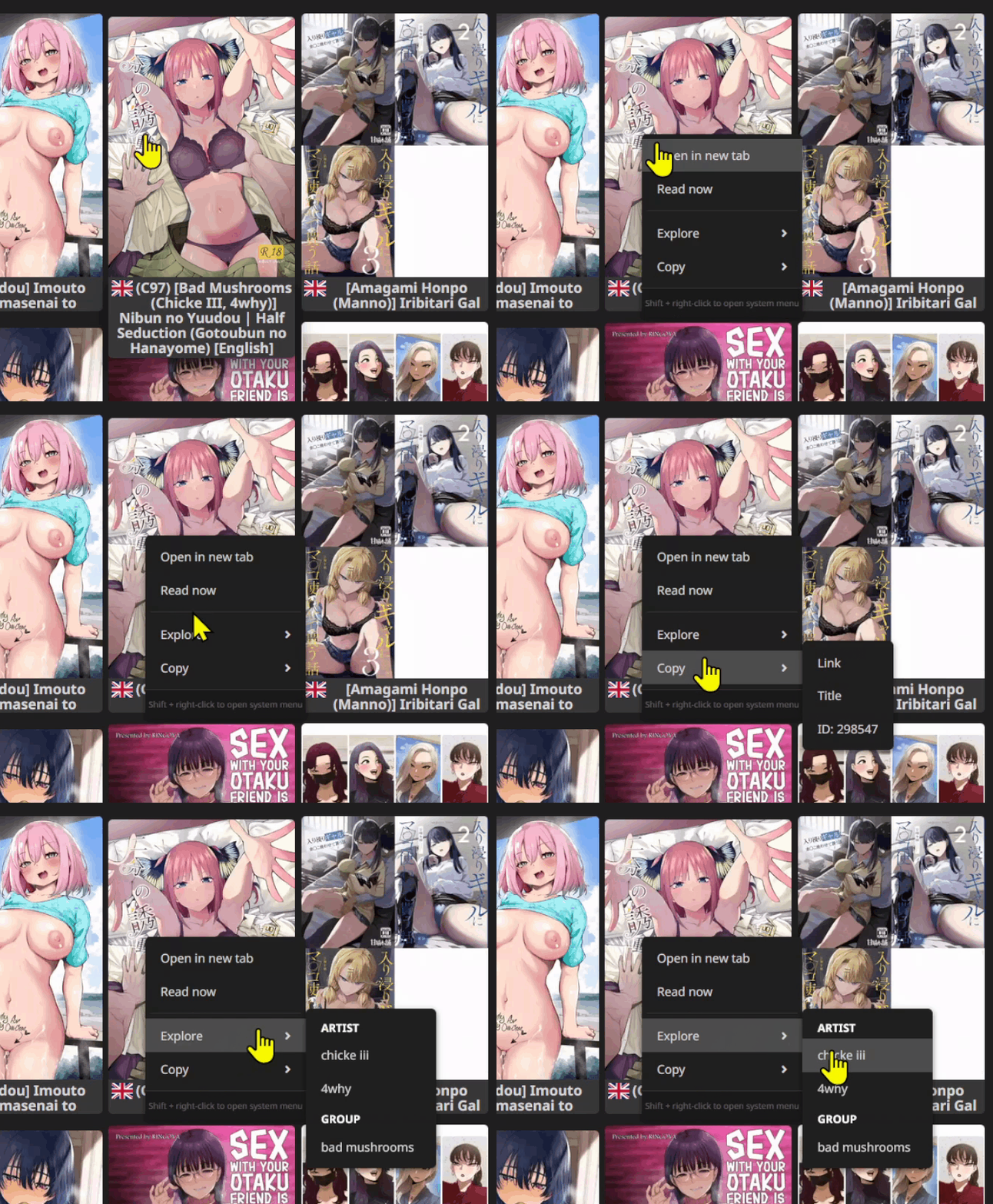
  • Open a gallery in a new tab.
  • Open a gallery to read.
  • Copy the gallery ID, URL, or title.
  • Explore related artist and group pages.

3. Scroll to Next Page

When you reach the bottom of a page, simply continue scrolling to navigate automatically to the next page.

No need to click pagination buttons.

On touch devices, you can also use a swipe gesture to continue browsing.
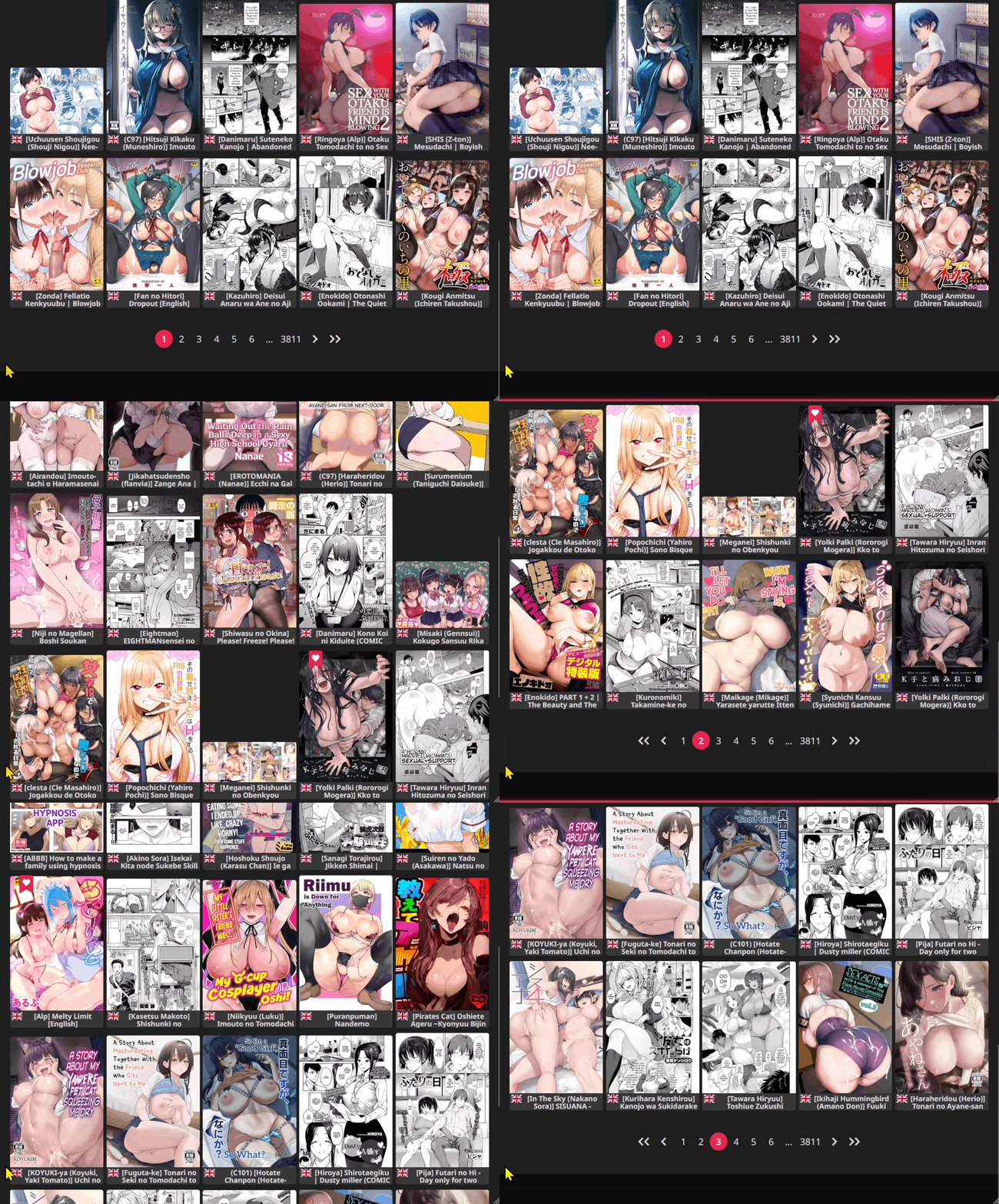
4. Card Page Flipping

Explore a gallery's pages directly inside its thumbnail card.

Quickly preview its contents while staying on the current browsing page, making it easier to decide what to open next.
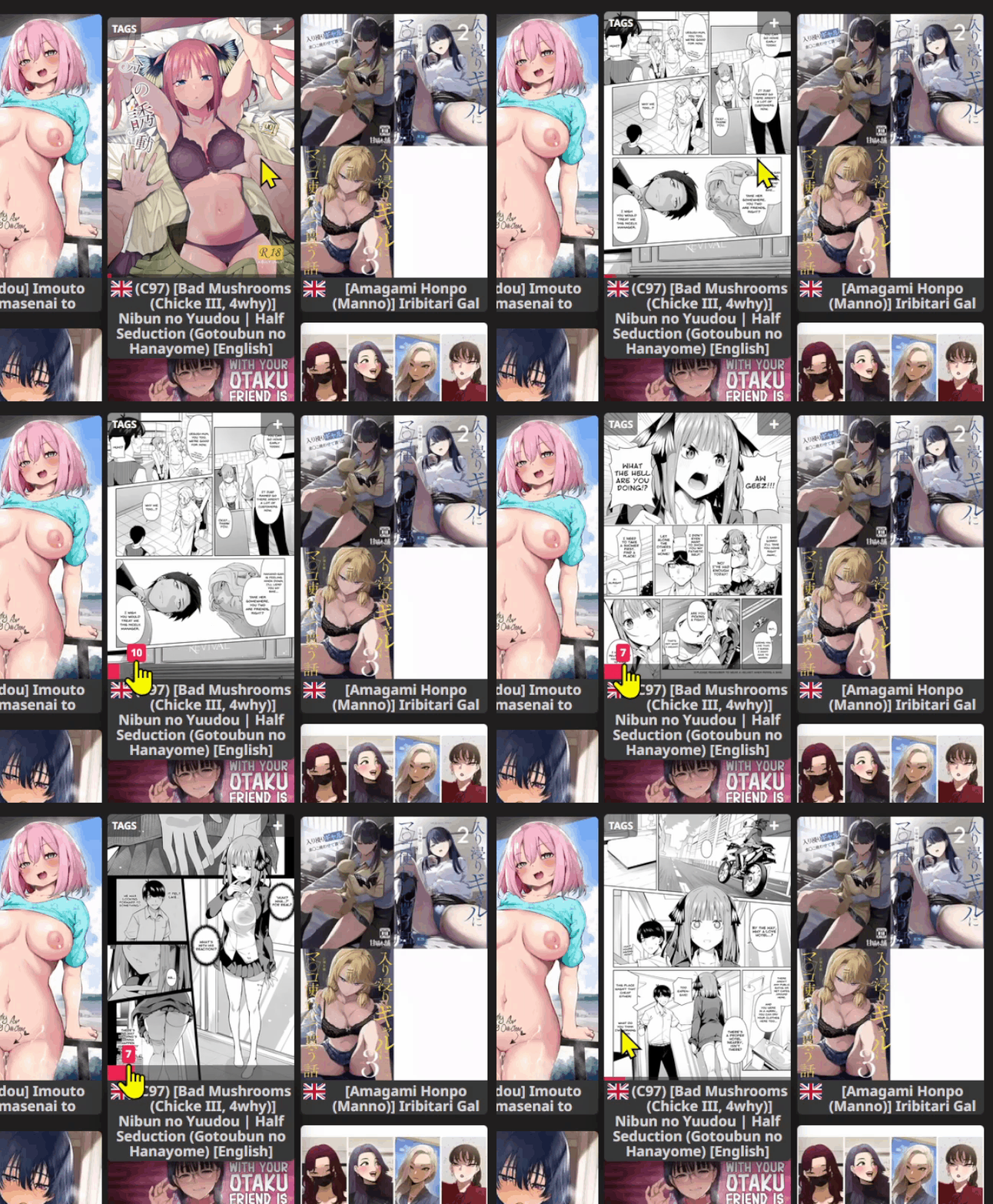
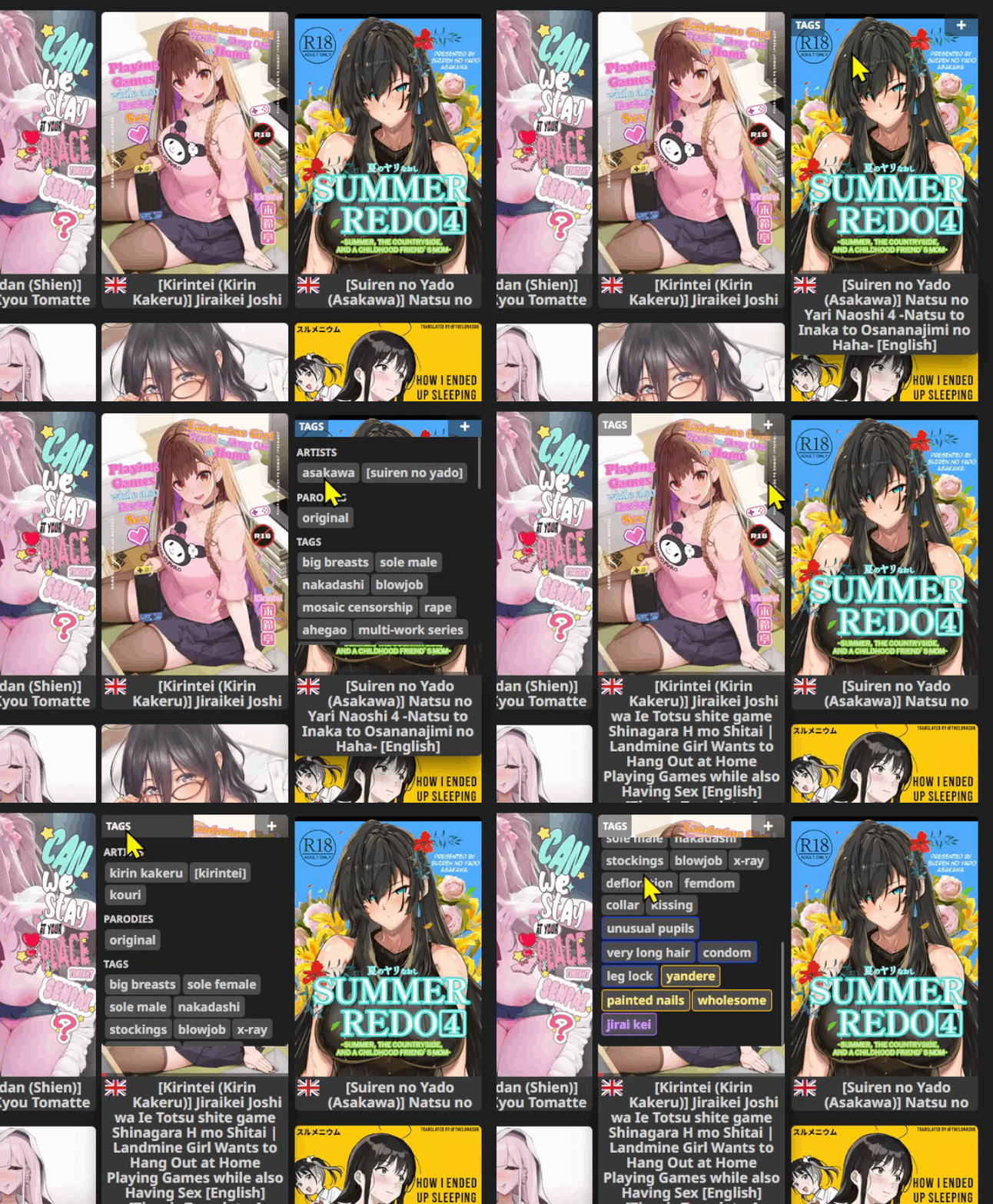
5. Tag Overlay

Display gallery tags directly on thumbnail cards.

Quickly check a gallery's tags without opening its page, making browsing and discovery more convenient.
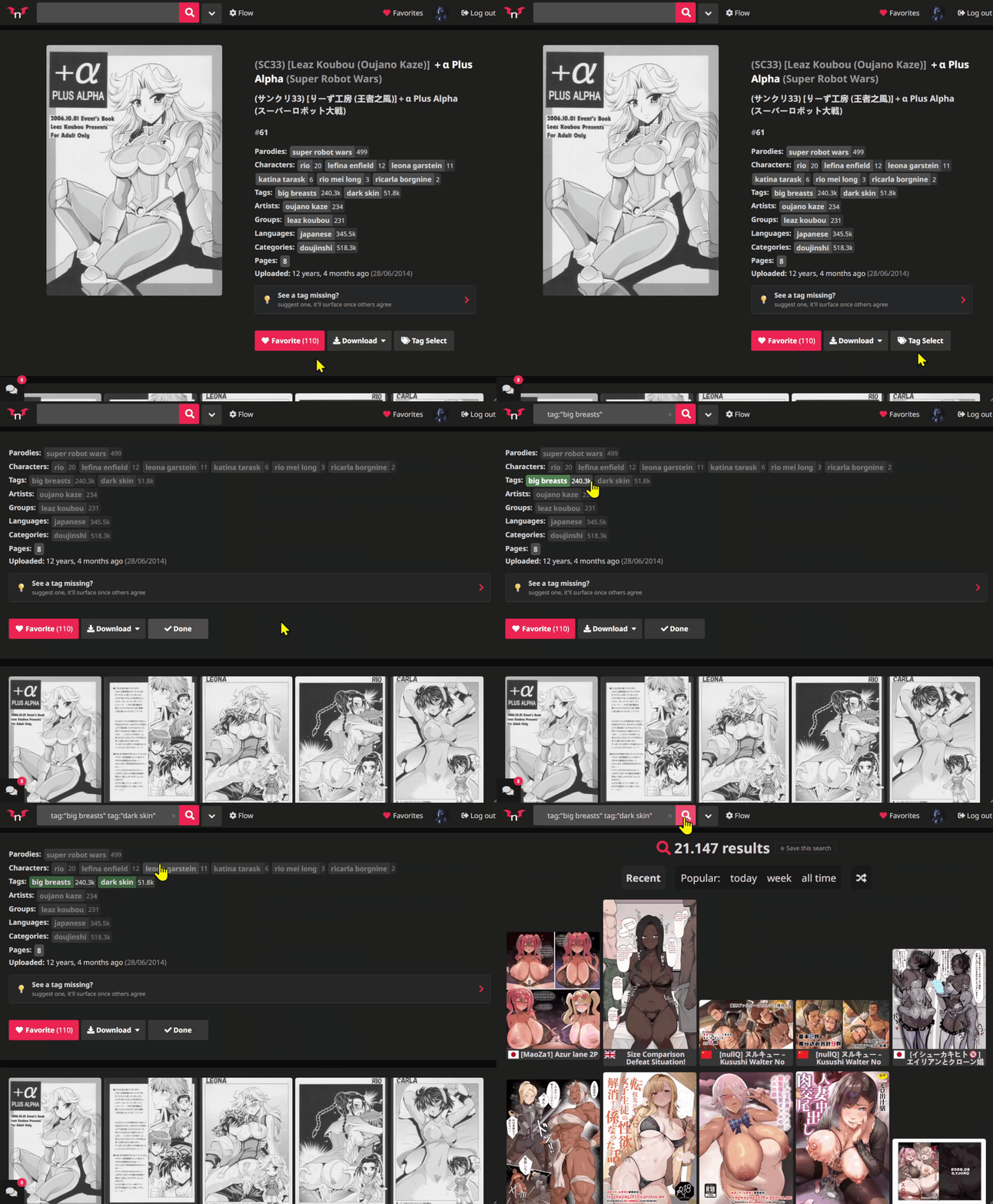
6. Tag Select

Select tags directly from a gallery's page to make building searches faster and easier.

Instead of manually entering each tag, use the tags already available on the page to help create your next search.
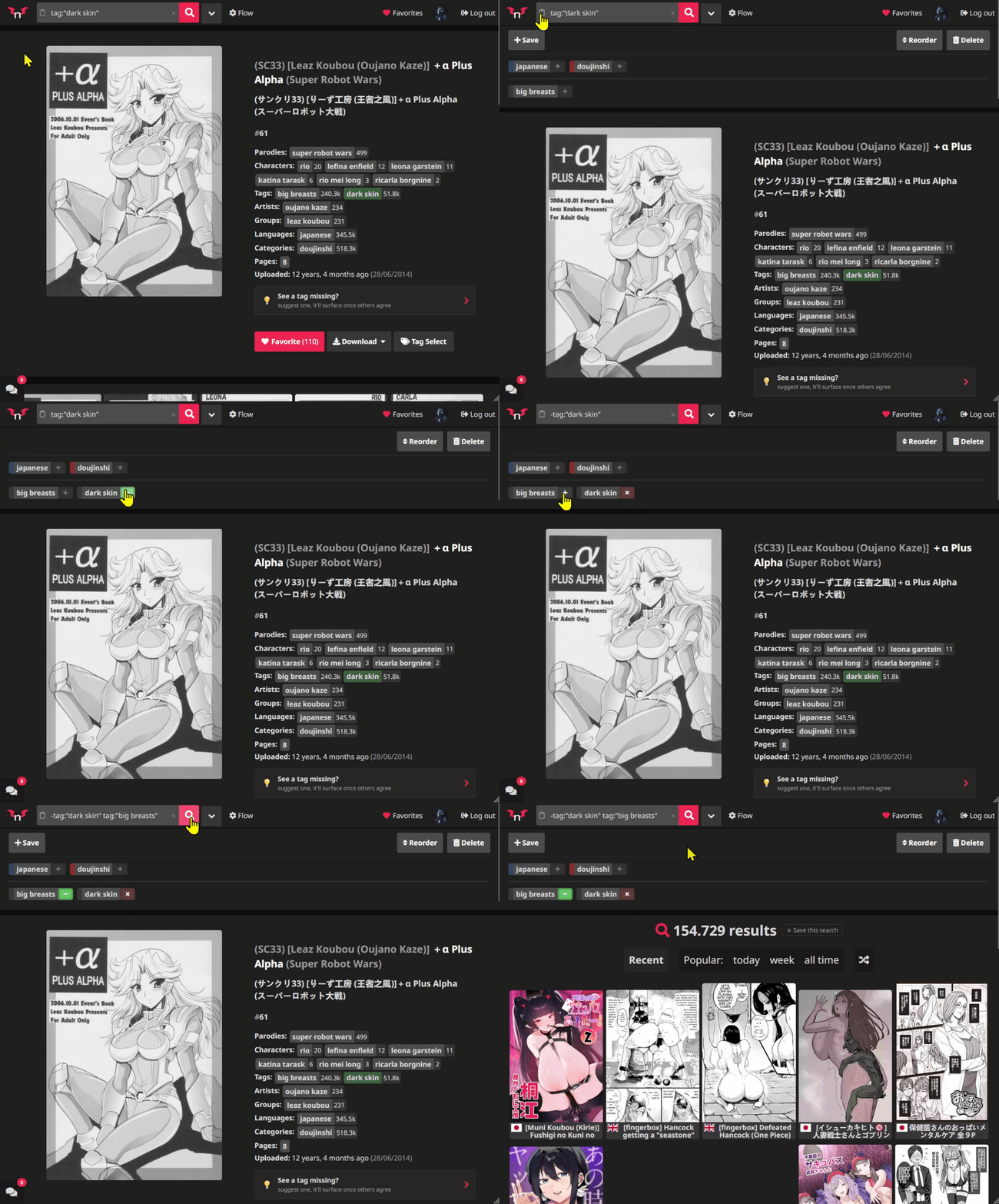
7. Saved Searches

Save searches you frequently use and access them through convenient pills displayed just below the search bar.

Keep your searches organized and quickly return to them whenever you want.

Additional Quality-of-Life Improvements

  • Reading Queue Popup Navigation: Navigate between pages inside the Reading Queue popup using your mouse wheel or touch gestures.

  • Improved Reader Navigation: Turn pages by clicking outside the image, instead of having to click directly on the image itself.

  • Fullscreen Reader Navigation: In Flow's fullscreen reader mode, use your mouse wheel to advance through pages.


Settings & Customization

Flow includes a dedicated settings panel where you can enable or disable available features to match your browsing preferences.

Explore the settings and customize your experience.


Shortcuts & Controls

Key Action
Q Add/Remove the hovered gallery from the Queue
/ Instantly focus the Search Bar
T Toggle Fullscreen (in Reader)
Arrow Keys Navigate card pages (Left / Right)

Enjoying the script? Found a bug or something that isn't working as expected? Feel free to leave a comment through the feedback section.

Created by Testador · Refactored by Claude. Licensed under the MIT License.

Back to top